

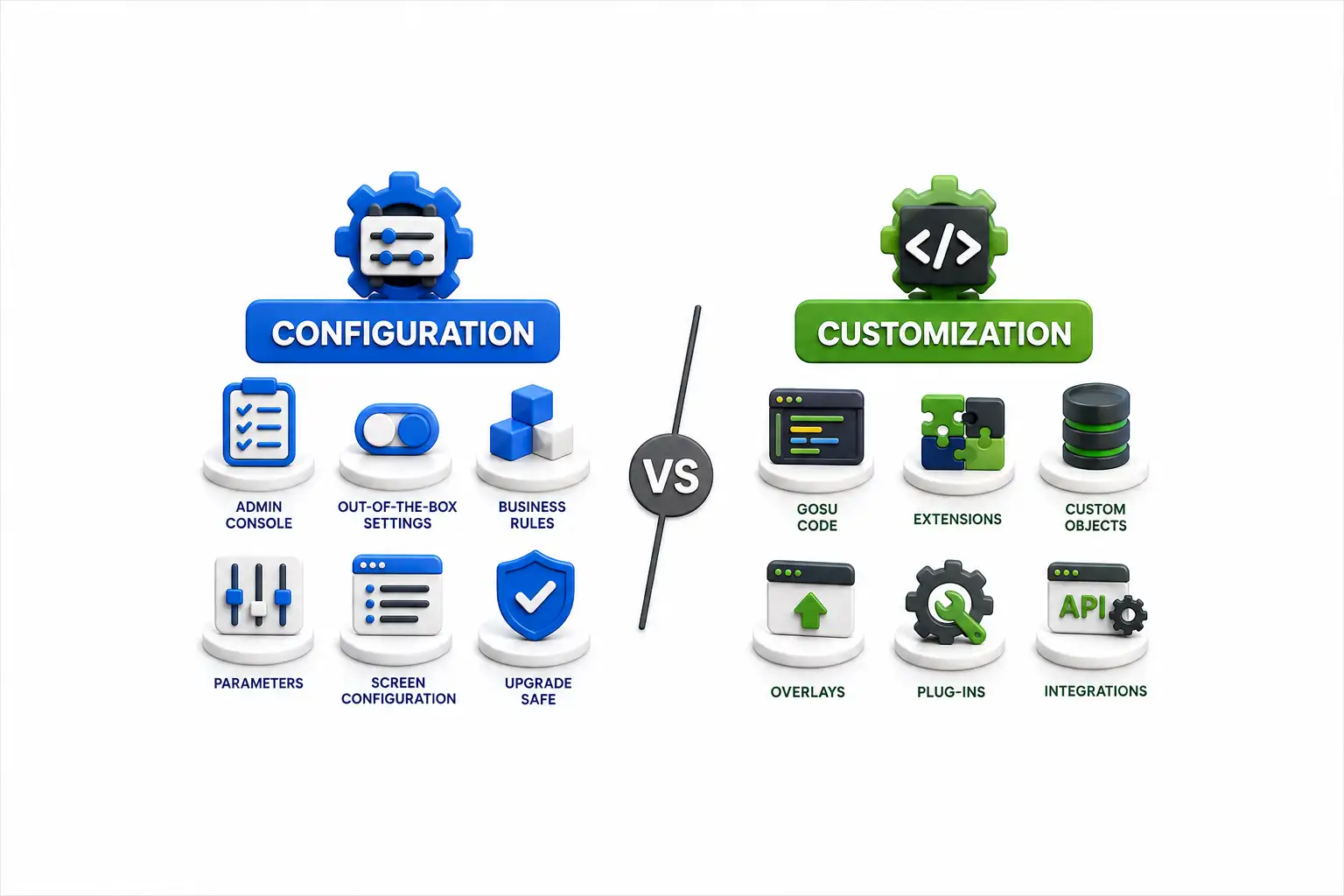
Guidewire Configuration vs Customization: Understanding the Key Differences
Navigate through this article using the table of contents below
Table of Contents
No headings found in this article.
Ask ten Guidewire developers where configuration ends and customization begins, and you'll likely get ten different answers — and at least three arguments.
That confusion isn't just academic. It shapes upgrade timelines, inflates project budgets, and determines whether your next Guidewire release takes two weeks or two months. Guidewire configuration vs customization explained simply: one works within the platform's intended framework, the other rewrites its rules. Getting that distinction right, and knowing when to use configuration vs customization in Guidewire, is one of the most valuable skills an insurance IT team can develop.
Why This Distinction Quietly Controls Your Project Timeline
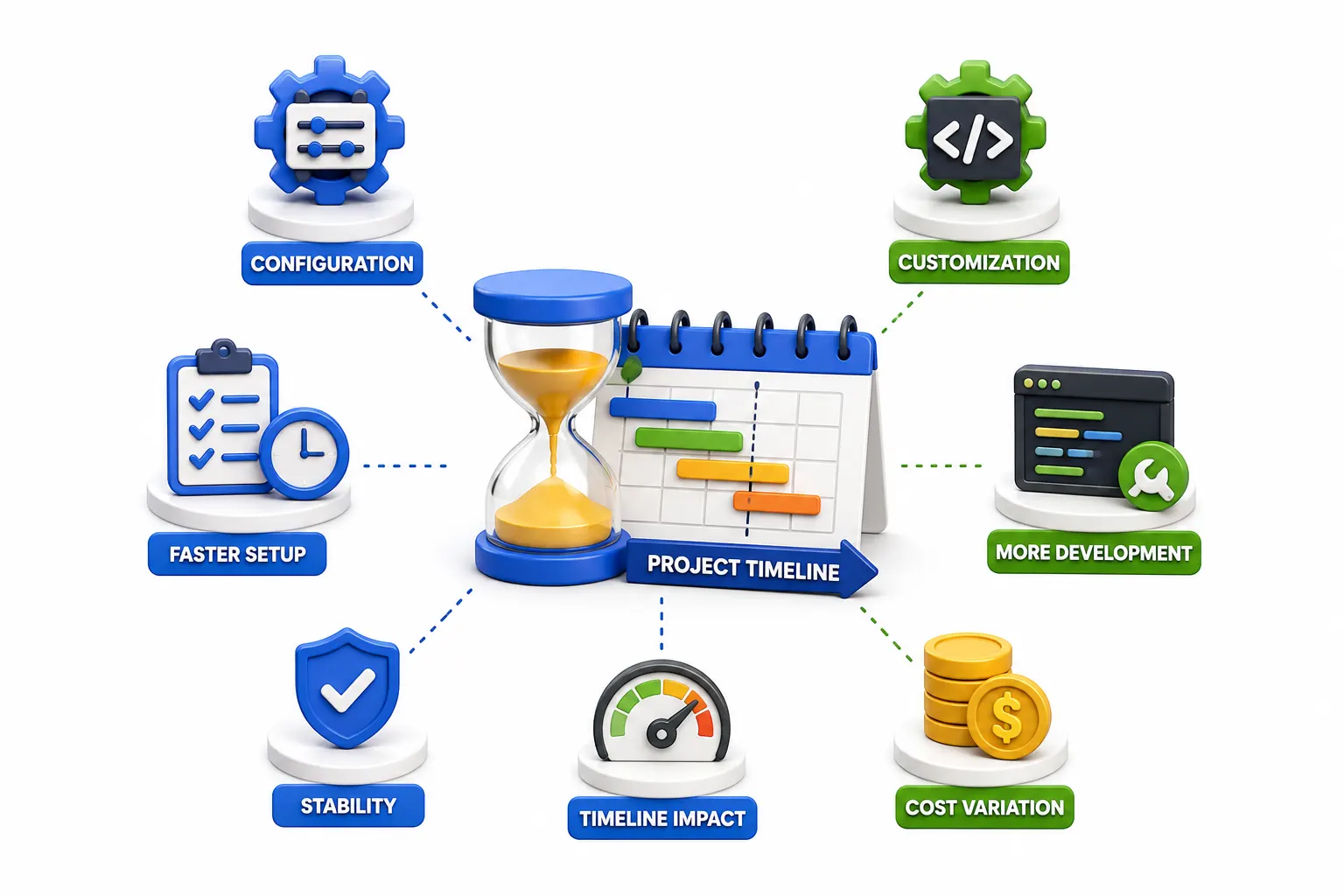
Almost every Guidewire project eventually reaches the same question: a business analyst requests a new field on the policy screen, and the development team has to figure out what comes next. Is it something that can be handled through configuration, or does the requirement need deeper customization?
That decision matters more than it might seem. Configuration is generally done through Guidewire Studio and supported platform features such as PCF files, Gosu, rules, and product model configuration. These approaches are built around the platform and are usually easier to maintain when new Guidewire versions are introduced. Customization goes a step further and may involve plugins or changes to application behavior that require additional development and testing.
The difference also shows up in project timelines. Teams that stay close to standard configuration patterns can often deliver changes more predictably because they are working with established Guidewire capabilities. Heavily customized implementations can take more time to test, troubleshoot, and maintain, particularly when upgrades or complex business scenarios are involved. Neither approach is automatically the right choice; the key is understanding the requirement and choosing the simplest solution that works. This distinction is especially useful for anyone considering Guidewire training in Pune, because learning when to configure and when to customize is an important part of real-world Guidewire development.
The Real Difference Between Bending the Rules and Breaking Them
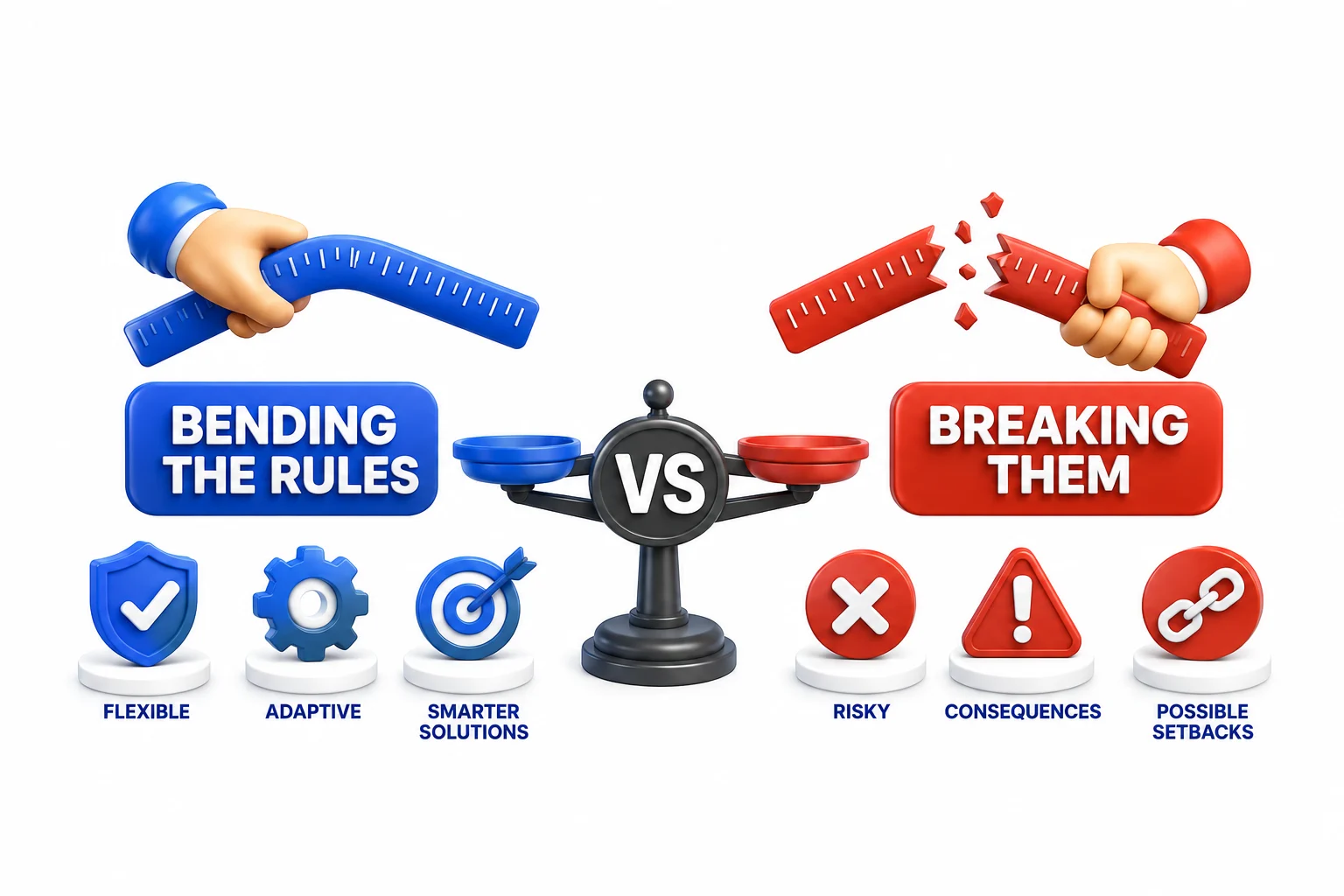
Think of Guidewire's platform like a well-designed kitchen. Configuration is rearranging the furniture, swapping out cabinet hardware, or adding a new shelf using the manufacturer's approved brackets. Customization is knocking down a wall.
Technically, configuration means adjusting settings, business rules, workflows, and UI elements using Guidewire's built-in tools without altering the core source code. You're working inside the product model, editing Gosu rules, or adjusting PCF files — all sanctioned extension points.
Customization, on the other hand, involves modifying the underlying platform code itself, building entirely new modules, or integrating third-party systems in ways that require custom Java development outside standard extension points. It's not against the rules, but it does mean you own the maintenance burden going forward.
A practical example: adding a new coverage type to a policy line is usually configuration. Building a proprietary fraud-detection engine that intercepts claims data before it reaches Guidewire's core logic is customization. Both are legitimate, but only one keeps your upgrade path relatively painless.
What Happens to Your System When You Choose One Over the Other
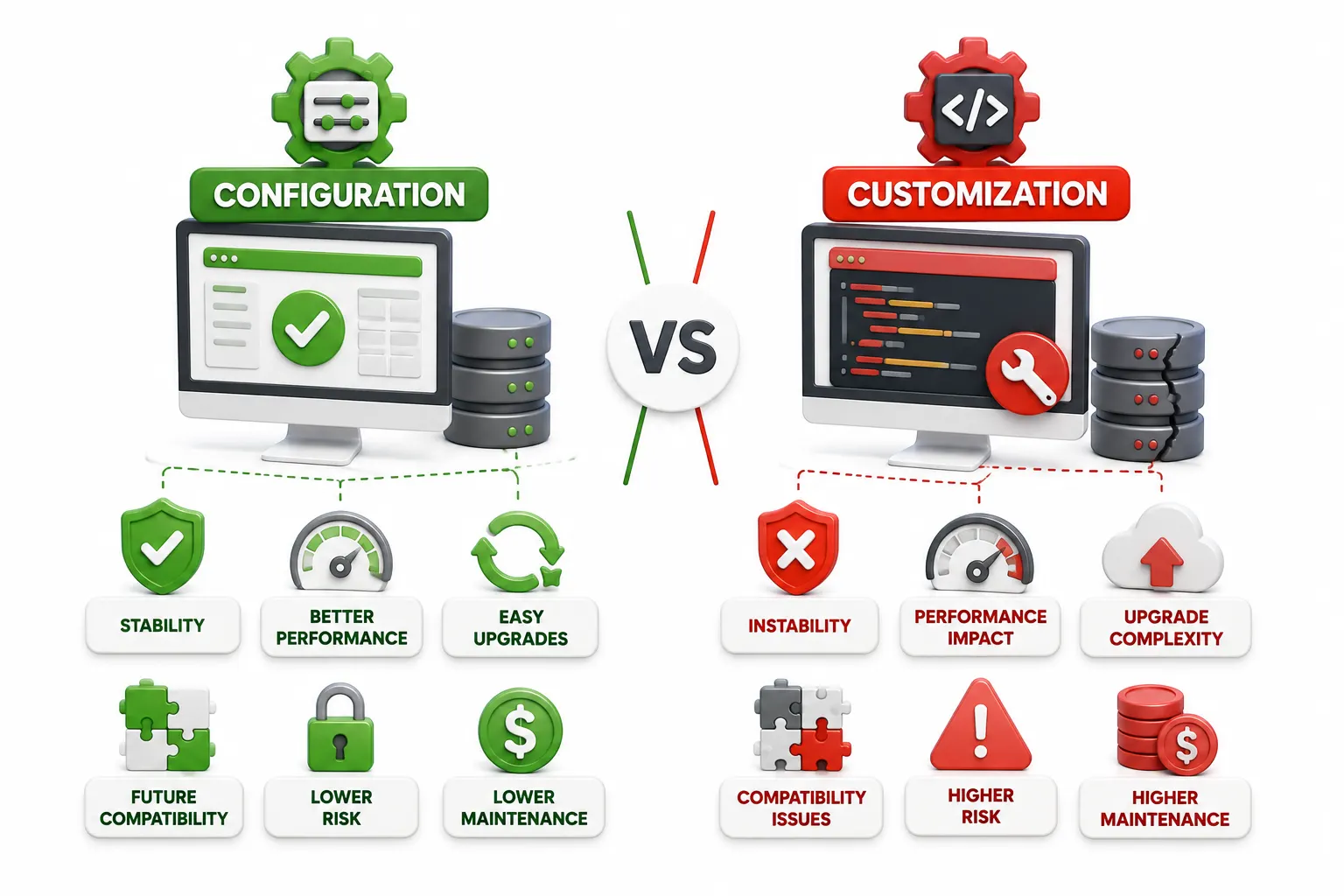
Here's where theory meets consequence. Guidewire releases new versions regularly, and each one brings performance improvements, security patches, and regulatory updates that insurers genuinely need.
Configuration-heavy systems tend to absorb these upgrades smoothly. Because configurations live within Guidewire's supported framework, the platform's own upgrade tooling can often carry them forward automatically or with minor adjustments. It's not magic — it's just that Guidewire built the framework expecting this kind of change.
Customization-heavy systems face a harder road. Every custom Java class, every overridden core method, has to be manually reviewed against the new version's codebase. Sometimes a customization that worked fine in version 9 breaks silently in version 10 because an underlying API changed. Teams then spend weeks — sometimes months — just reconciling custom code before they can even start testing new features.
This doesn't mean customization should be avoided entirely. Some business requirements genuinely can't be met through configuration alone. But every customization decision should come with a clear-eyed acknowledgment: this will cost more at upgrade time, and someone needs to own that cost.
Common Scenarios Where Teams Get This Choice Wrong
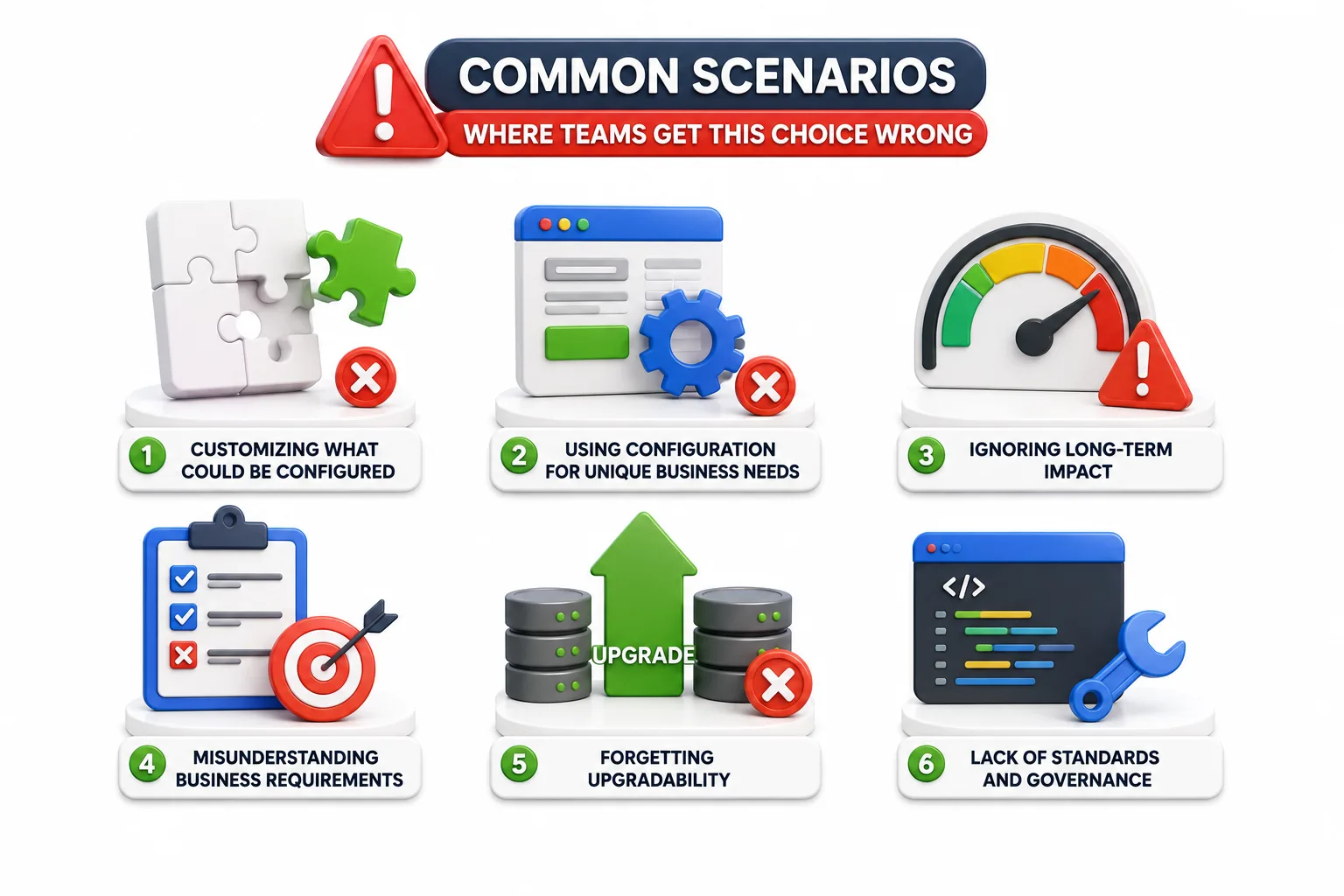
Misjudging configuration versus customization usually happens in one of two directions, and both are avoidable with a bit of foresight.
The first mistake is over-customizing. A team hits a minor limitation in the standard configuration options and jumps straight to custom code because it feels faster in the moment. Six months later, that "quick fix" is the reason a routine upgrade takes three extra sprints. Common culprits include:
Custom UI components built from scratch when a PCF adjustment would have worked
Hardcoded business logic that could have lived in a rules engine
Bespoke integrations built without using Guidewire's integration framework
The second mistake is under-customizing, oddly enough. Some teams are so wary of touching code that they force complex business requirements into rigid configuration structures, creating convoluted rule chains that are harder to maintain than a well-written custom module would have been.
The fix for both isn't a rulebook — it's a habit. Before building anything, ask whether the platform already has a supported way to achieve the goal, and whether the requirement is genuinely unique to your business or just feels that way because no one checked the documentation first.
How Experienced Teams Decide Which Path to Take

Seasoned Guidewire architects don't flip a coin on this. They run through a mental checklist that balances business need against long-term maintainability.
The first question is always: does Guidewire already support this natively? Product configuration, rating tables, workflow steps, and UI layouts cover an enormous range of business requirements. If the answer is yes, configuration wins by default — there's rarely a good reason to reinvent something the platform already handles.
The second question is about frequency and volatility. If a business rule changes often — say, underwriting thresholds that shift with market conditions — configuration makes far more sense because business users, not developers, can often adjust it directly.
The third question involves integration complexity. When connecting to external systems like third-party data providers or legacy claims platforms, some level of customization is often unavoidable. Even then, experienced teams try to isolate custom code into clearly bounded integration layers rather than scattering it through core business logic.
Finally, teams weigh long-term ownership. Customizations require specialized developers to maintain; configurations can often be handled by business analysts with platform training. That staffing reality alone tips many decisions toward configuration whenever it's genuinely viable.
Practical Tips to Keep Your Guidewire System Upgrade-Friendly
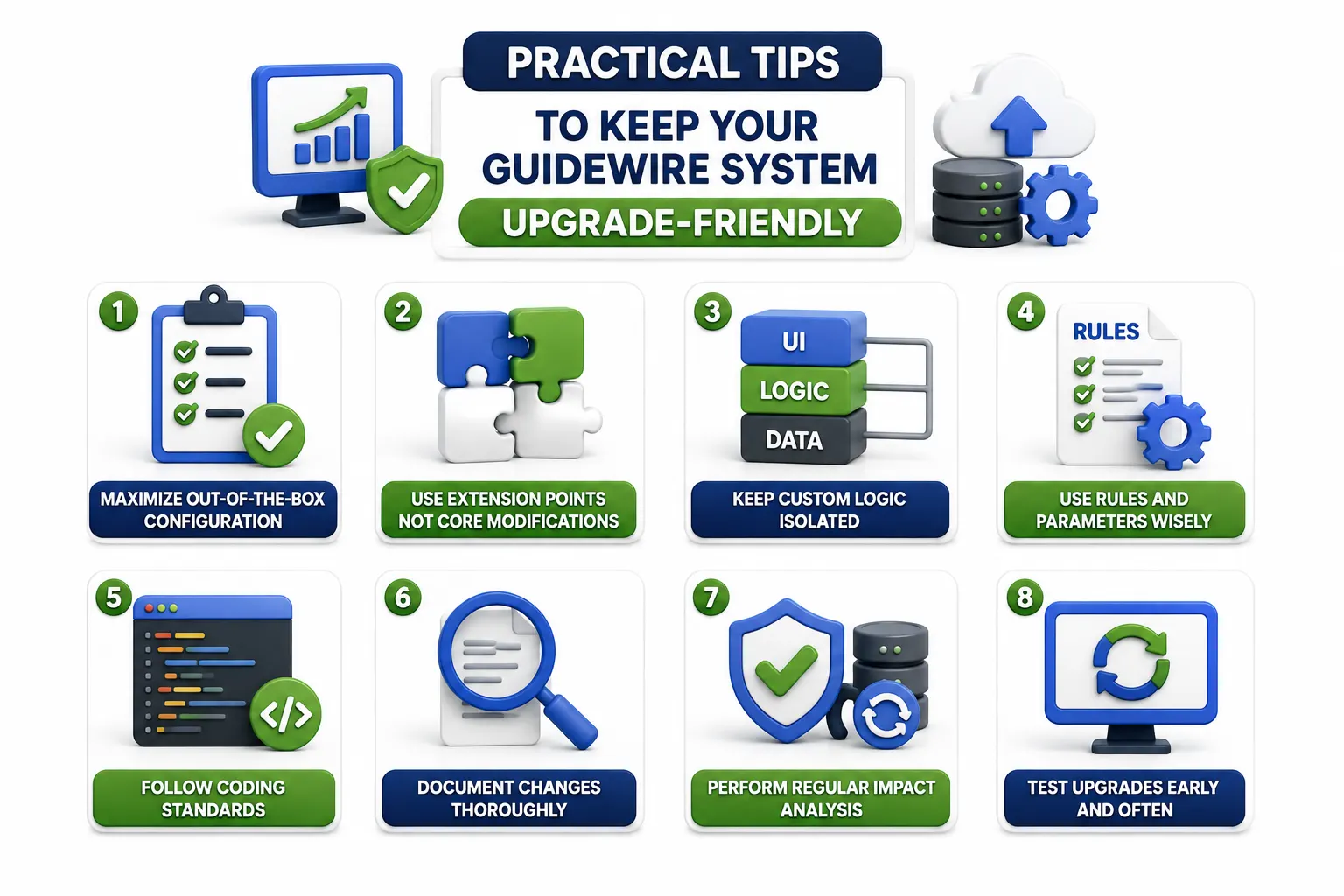
Knowing the theory is one thing. Applying it consistently across a large implementation team is another challenge entirely.
Start by documenting every customization with a clear business justification. If nobody can explain why a piece of custom code exists six months after it was written, that's usually a sign it should have been configuration in the first place, or it needs to be revisited.
Establish a review gate before any customization is approved. This doesn't need to be bureaucratic — even a short checklist covering "why not configuration" and "what's the upgrade impact" catches a surprising number of avoidable customizations before they're built.
Keep customizations modular and isolated wherever possible. Guidewire's extension points exist precisely so custom logic can live in defined layers rather than being woven throughout the core application. This single habit dramatically reduces upgrade pain later.
Lastly, revisit old customizations periodically. Platform capabilities expand with each release, and a customization built five years ago to solve a gap might now be achievable through native configuration, freeing your team from maintaining legacy code that's no longer necessary.
Conclusion
Understanding Guidewire configuration vs customization isn't about picking a side — it's about matching the right tool to the right problem. Configuration keeps systems agile and upgrade-ready; customization solves what configuration genuinely can't. The teams that thrive are the ones who ask the harder question before writing a single line of code.