


Guidewire PolicyCenter Effective-Dated Testing: Examples and Best Practices
Navigate through this article using the table of contents below
Table of Contents
No headings found in this article.
A policyholder adds a driver on March 12, but the accident happened on March 5. Which version of the policy answers that claim? Questions like this are why Guidewire PolicyCenter effective-dated testing needs its own plan, and why testers who start with Guidewire training in Chennai often meet this topic only after their first mid-term change defect.
Effective dating looks simple on screen. Underneath, one policy holds many dated versions of itself, and a small mistake in any of them can surface weeks later as a wrong premium or a denied claim.
What Effective Dating Means for a Tester
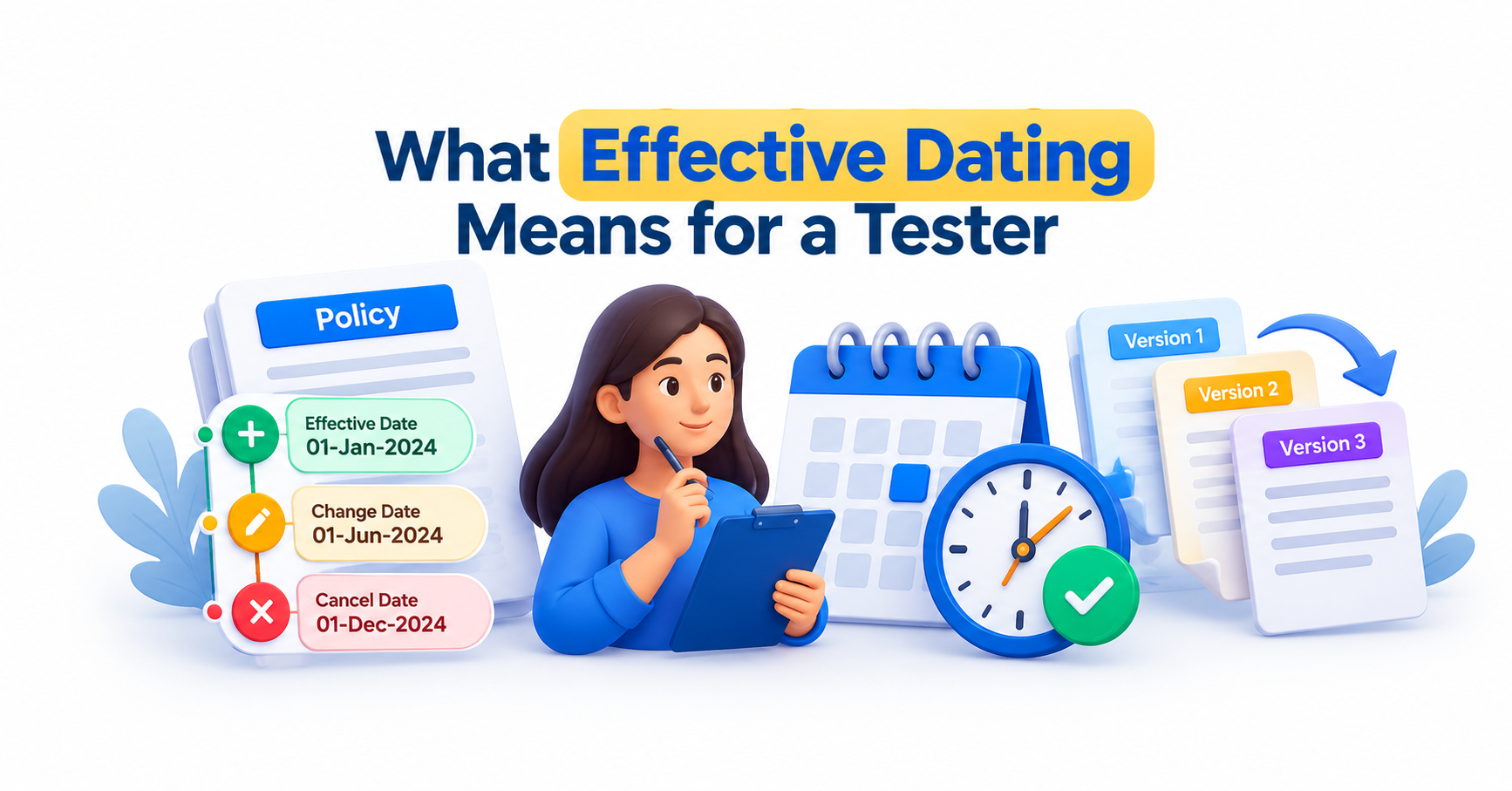
Effective dating is how PolicyCenter stores change over time. Instead of overwriting a record, the system keeps versions of it, each valid for a specific date range. A policy period might start in January and end the following January. Inside that range, a vehicle can be added in April, a coverage limit raised in July, and an address corrected in September. Each change creates a new dated version of the affected data.
Those versions are often called slices. If you ask what the policy looked like on June 1, you get one slice. Ask about August 1, and you get another. Data that does not change across a date range stays linked to the same underlying record, which is why the same vehicle can appear in several slices while remaining one vehicle.
For a tester, this changes the meaning of “correct.” A field is not simply right or wrong. It is right or wrong as of a particular date. A premium of 1,200 might be perfectly valid for March and completely wrong for October.
Not every field is effective-dated. Some data, such as the policy number or the account holder’s identity, stays the same for the whole period. Knowing which data is dated and which is fixed is the first skill to build, because it tells you where to look for defects. If a field should change from a given date and never does, or changes when it should not, the model is not behaving as intended.
Why Effective-Dated Defects Hide So Well
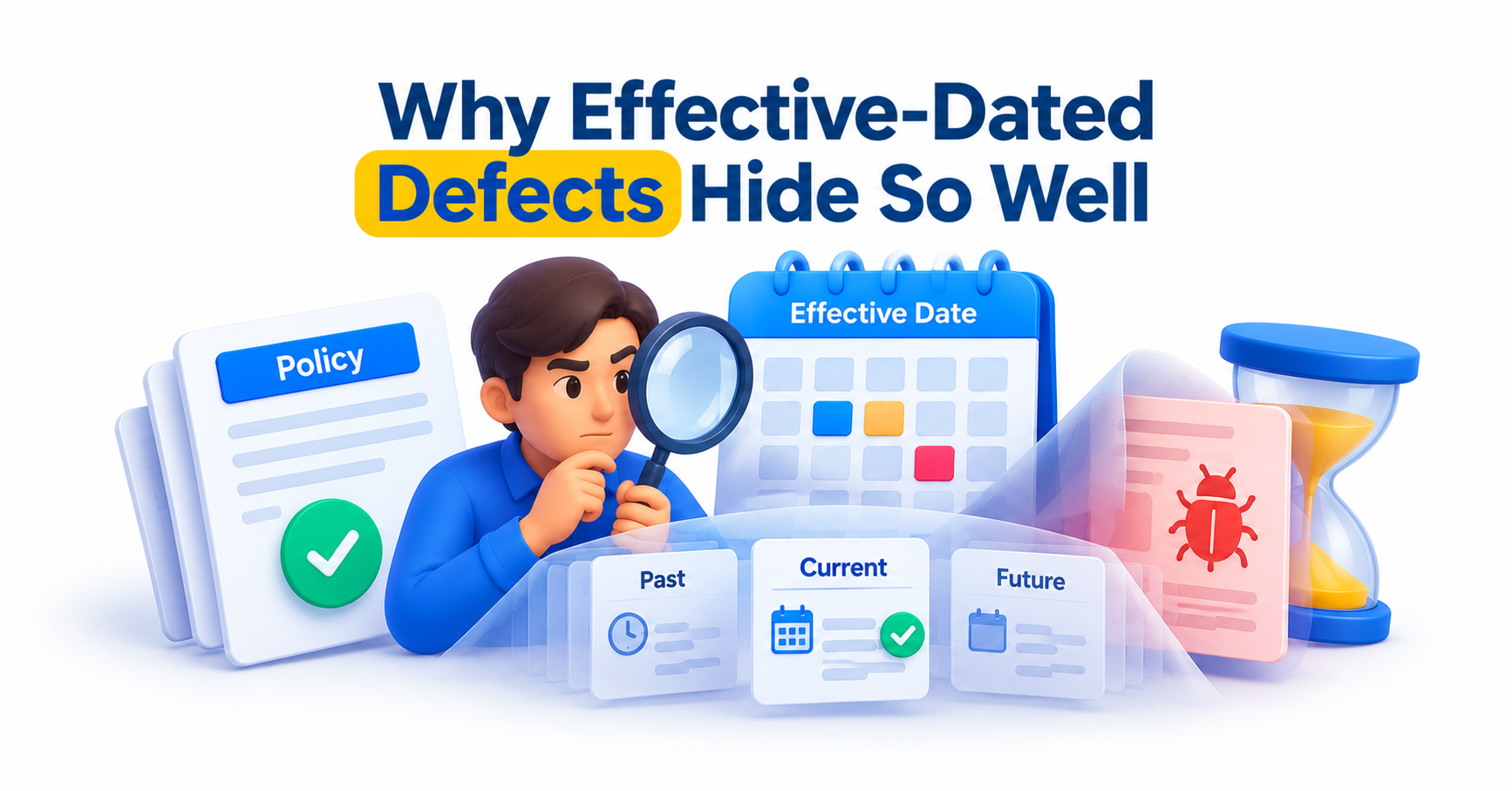
Most defects announce themselves. A button fails, a page throws an error, a required field accepts nothing. Effective-dated defects behave more quietly. The screen loads, the quote is issued, and the numbers look plausible. The problem is that they belong to the wrong date.
Three patterns cause most of the trouble. The first is a change that lands on the wrong slice, so a coverage updated from July 1 also alters the earlier months. The second is a change that fails to carry forward, so a mid-term update disappears when the policy renews. The third is a calculation that treats the full term as one block, and so ignores the shorter span a change actually covers.
These defects hide because standard happy-path tests use clean dates. A new submission effective today, with no changes, never exercises slicing. The bug only appears when you stack a backdated change on top of a future-dated one, or cancel after a change, or renew a policy that has been modified three times.
Testers also tend to verify the final screen rather than the history. A quote that shows the right total can still hold wrong figures in the middle slices, and those figures feed billing and reporting later.
The practical lesson is to test the timeline, not just the end state. Ask what the policy looked like before the change, on the change date, and after it. If you only check one of those three, you are checking a third of the behavior.
Guidewire PolicyCenter Effective-Dated Testing: Building a Scenario Map
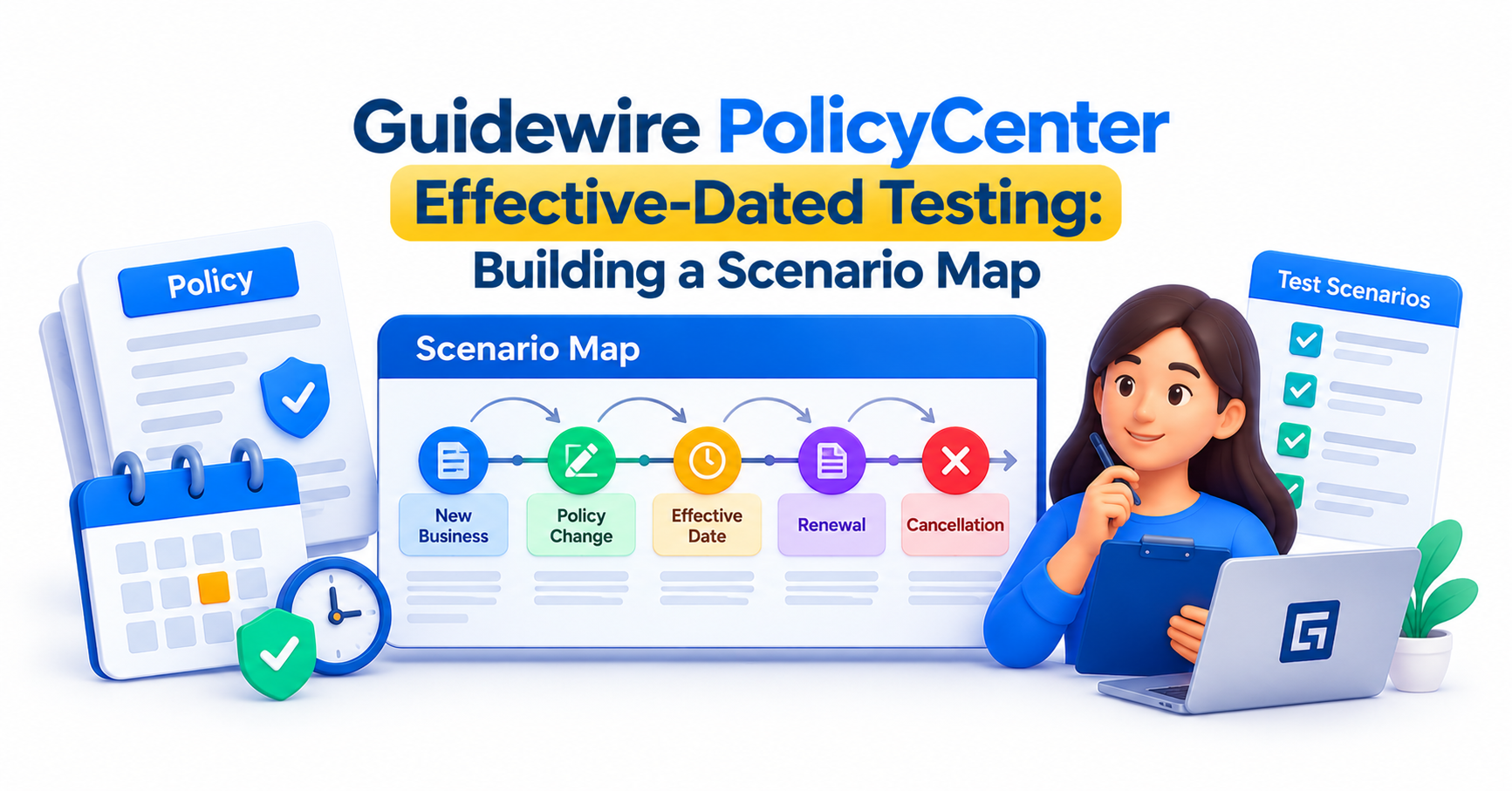
Good coverage starts with a map of the dates you can change, rather than a list of screens. Begin with the policy transactions that touch dated data: new submission, policy change, renewal, cancellation, reinstatement, and rewrite. Each one treats dates differently, so each needs its own set of tests.
For every transaction, vary three things. The first is the timing of the effective date, which can be at the start of the term, mid-term, or near the end. The second is the direction, whether the change is backdated, current, or future-dated. The third is the data being changed, whether it is a coverage, a location, a driver, a vehicle, or a limit.
Combining those gives a manageable grid. You do not need every combination. Pick the ones that reflect real business behavior and the ones most likely to break. A backdated policy change that alters a rated field, for example, deserves more attention than a future-dated change to a text note.
Then add sequences, because single changes rarely reveal the worst bugs. Test a change followed by a second change that overlaps it. Test a change followed by a cancellation. Test a policy change in progress while a renewal is being prepared. Overlap is where the system has to merge competing versions of the truth.
Write each scenario with explicit dates rather than phrases like “mid-term.” A test that says “add a vehicle on April 10 to a term beginning January 1” can be repeated exactly. A vague test produces different results each time someone runs it, and nobody can tell whether the system changed or the tester did.
Boundary Dates and Date-Sensitive Edge Cases
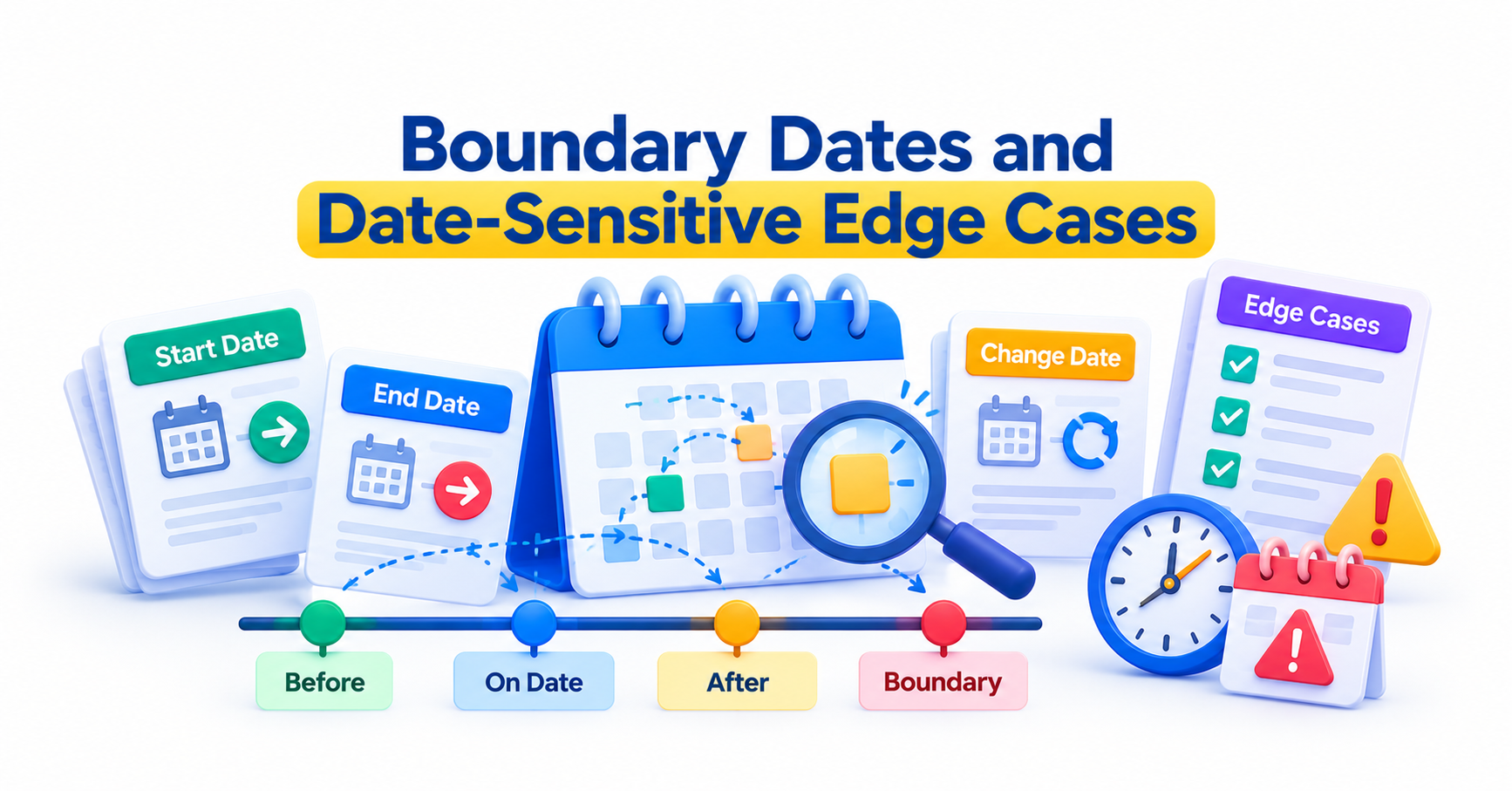
Boundaries are where date logic breaks first. Test the exact day a period begins, the day before, and the day after. A period normally runs from its effective date up to its expiration date, so confirm how your configuration treats the final day rather than assuming.
Several edge cases repay the effort:
A change effective on the very first day of the term, which can collide with the original submission data.
A change effective on the expiration date, which should usually fall outside the current period.
Changes around a leap day, particularly when a term crosses February 29.
Cancellations effective the same day the policy started, which can produce a zero-length period.
Reinstatement after a lapse, where the gap itself must be represented correctly.
Time zones deserve separate thought. A policy effective at the start of a day can behave differently when users, servers, and integrated systems sit in different zones. If your project serves customers across regions, include a test that crosses a zone boundary near midnight.
Proration is the other boundary people forget. When a change covers part of a term, the premium for that slice depends on the number of days, and rounding can shift the total by a small amount. Check that the individual slice premiums add up to the term total, and that the rounding rule matches the business requirement.
Finally, test dates the business considers unusual but possible, such as a policy change effective after the renewal offer has been created. These tend to expose assumptions that developers made without anyone writing them down.
Worked Examples: Three Hypothetical Test Scenarios
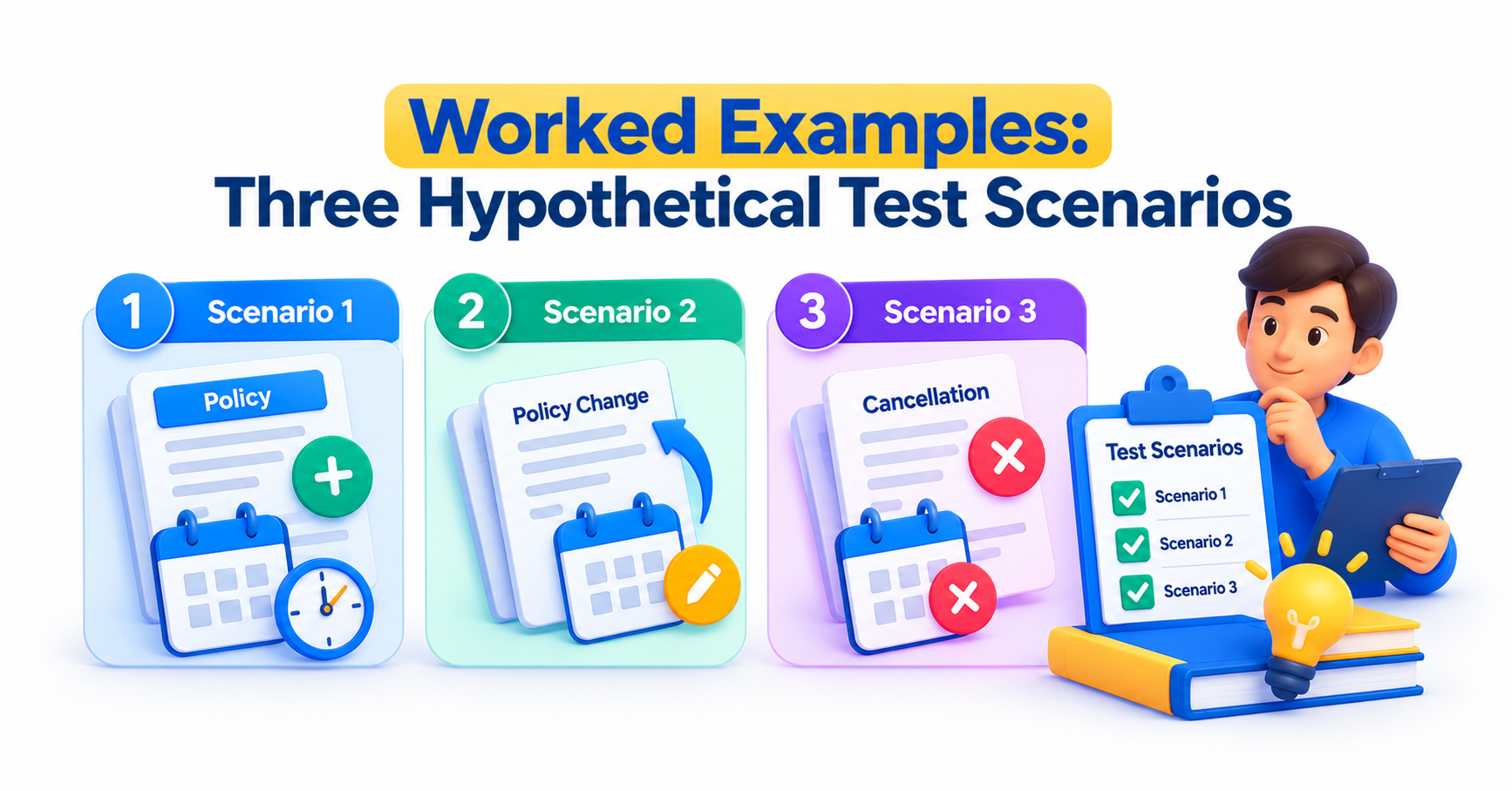
The following scenarios are illustrative and not drawn from any real client project. They show how to turn the scenario map into repeatable tests.
Scenario one: a mid-term vehicle addition. A personal auto policy runs from January 1 to January 1 of the next year. On April 10, a second vehicle is added through a policy change. Verify that the slice before April 10 shows one vehicle and the slice after shows two. Confirm that the new vehicle’s premium begins on April 10, not on January 1, and that the original vehicle’s premium is unchanged.
Scenario two: a backdated correction. On the same policy, a user discovers on May 20 that the driver’s address was wrong from the start. They submit a change effective January 1. Check that the corrected address appears in every slice, that rating reflects the new location for the whole term, and that the vehicle added in April is not lost during the correction.
Scenario three: change then cancel. A coverage limit is raised effective July 1, and the policy is cancelled effective September 15. Verify that the cancellation applies to the version that includes the July change. The refund should reflect the higher premium for July through September, and no slice should exist after September 15.
For each scenario, record the expected values for at least three dates: one before the change, one on it, and one after. Check the premium, the coverage terms, and the transaction history. If your team automates the checks, store the dates as part of the test data so a failure points straight to the slice that went wrong.
Checking What Happens Downstream: Rating, Billing and Claims
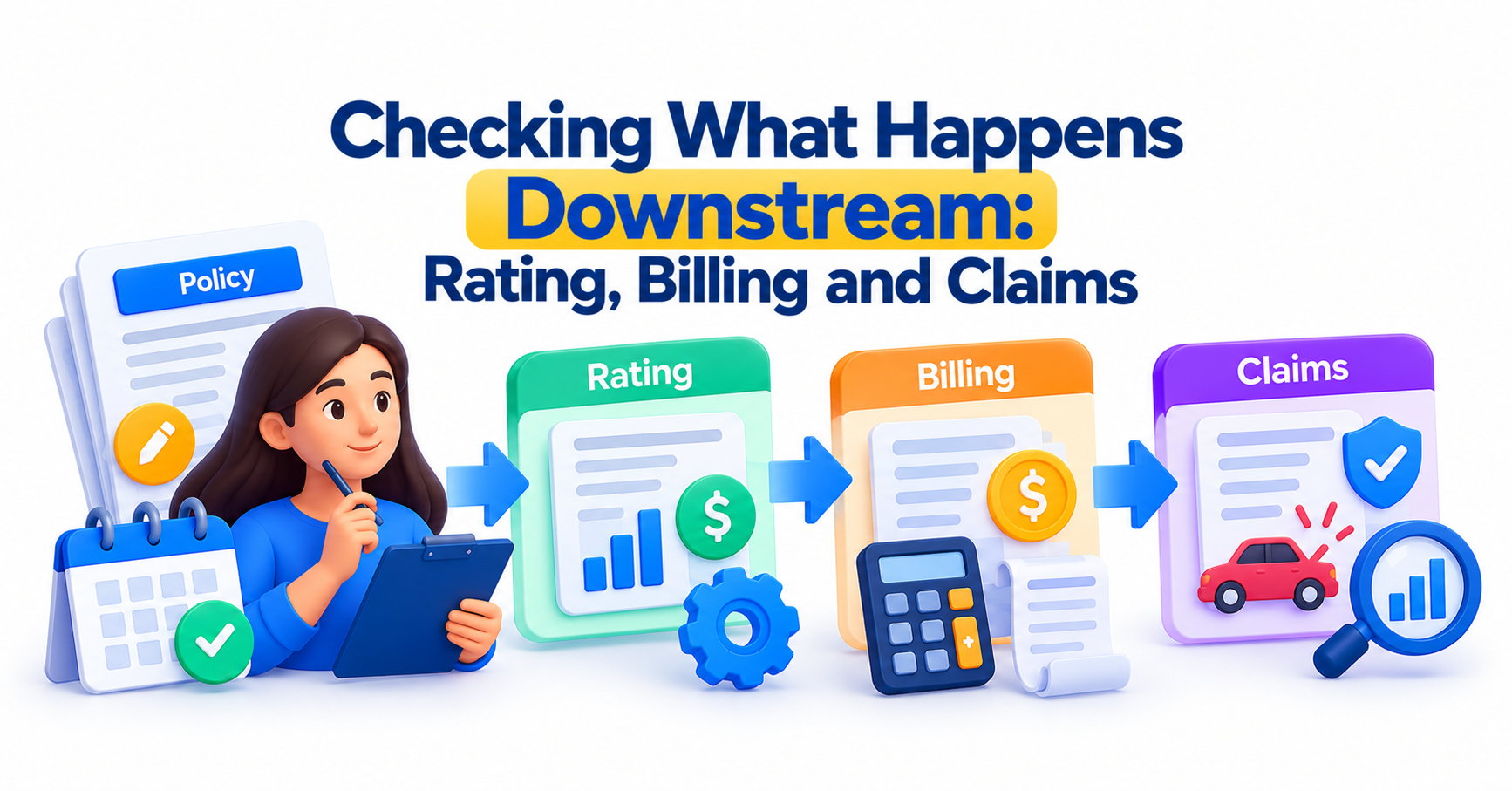
A correct policy record still fails the customer if the systems around it read it wrongly. Effective-dated data rarely stays inside PolicyCenter.
Rating is the closest dependency. Premium calculation uses the data valid for each slice, so a wrong slice produces a wrong premium. Confirm that rates and rules applied to a slice match the effective date of the change, particularly when a rate revision falls within the term.
Billing depends on the amount and timing of premium changes. A mid-term increase should generate the right additional charge from the right date, and a cancellation should generate the right credit. If your project integrates PolicyCenter with BillingCenter, trace one change from the policy through to the invoice and compare the figures at each step.
Claims depend on the policy state at a point in time. When a loss is reported, the claims side checks what coverage applied on the date of loss, not on the date of the report. Return to the opening example: a driver added March 12 should not be covered for a March 5 accident, and a test should prove the claim sees the earlier slice. Test losses dated just before a change, on the change date, and just after.
Document generation deserves a quick check too. Declarations pages and endorsements must describe the correct version, and a document printed after a backdated change should not quietly show the older data.
Integration defects are often blamed on the wrong system, so capture the dated values at each handoff. That record settles arguments quickly and shows where a date was lost or shifted.
Best Practices That Keep the Test Suite Maintainable

Date-heavy suites decay quickly if they are built carelessly. A few habits keep them reliable.
Avoid hard-coded calendar dates where you can. A test written for “January 1, 2026” fails the moment the date passes. Calculate dates relative to a known starting point, such as the start of the term plus a set number of days, so the same scenario runs next month and next year.
Keep test data small and purposeful. One policy designed to exercise a specific slice is easier to debug than a sprawling policy with fifteen changes. Name the data after the behavior it tests, so a failure tells you which date rule broke.
Separate the date logic from the interface. Where your team can verify values through backend checks as well as the screen, do both. The screen shows what a user sees, while the backend shows whether every slice holds the right data.
Review failed tests by timeline. Rather than asking which field was wrong, ask which date range was wrong and which transaction produced it. That framing finds root causes faster.
Finally, build shared understanding. Developers, analysts, and testers should agree on how each transaction treats dates before anyone writes a test. Learners who want structured practice with this can look at Guidewire PolicyCenter training for the underlying data model, or at Guidewire training in Hyderabad for classroom-style learning. JastTech teaches this kind of hands-on scenario thinking alongside the platform basics.