

How to Run Automation Tests After a Guidewire Deployment
Navigate through this article using the table of contents below
Table of Contents
No headings found in this article.
A successful Guidewire deployment does not automatically mean your insurance application is ready for business. A configuration change, integration failure, or unexpected regression can disrupt critical insurance workflows. Post-deployment automation testing helps teams identify these problems before they affect users.
Whether you work with PolicyCenter, ClaimCenter, or BillingCenter, knowing how to execute the right tests after deployment is essential. From smoke testing and API validation to regression testing and automated quality gates, a structured approach helps teams improve release confidence and application stability.
Understand What Needs to Be Tested After Deployment
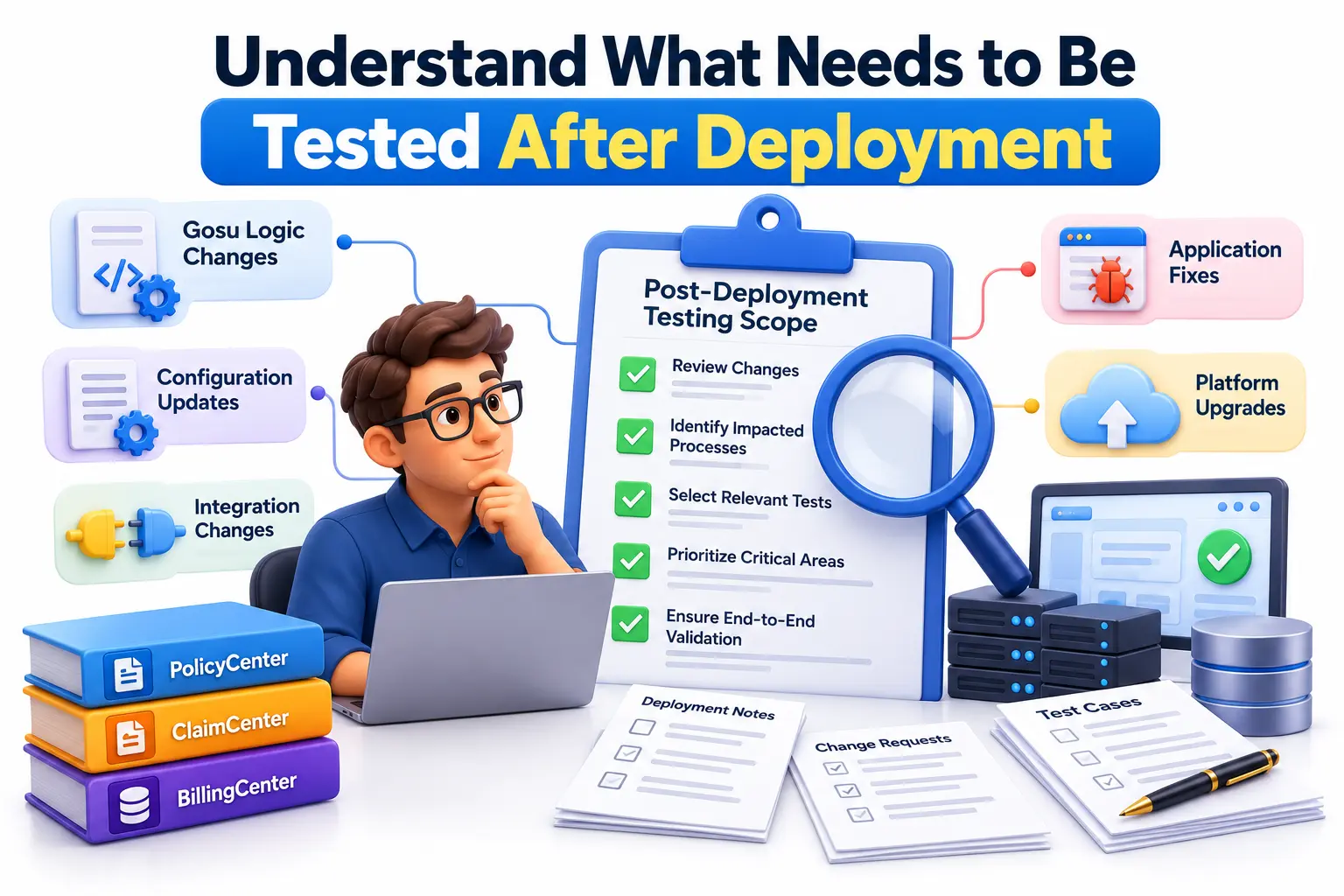
Before executing automation tests, identify what changed during deployment and which business processes could be affected. A deployment may introduce new Gosu logic, configuration updates, integration changes, application fixes, or platform upgrades. Each change requires appropriate validation.
Start by reviewing deployment notes, completed development stories, defect fixes, and dependencies between Guidewire applications. Use this information to select tests that cover both the changed functionality and the existing business processes that must continue working.
Prioritize these testing areas:
Application availability: Confirm that the deployed application is running and accessible.
Business functionality: Validate essential insurance operations, including policy creation, claim registration, and billing transactions.
Integration health: Check connections with payment gateways, document management systems, external services, and other dependent applications.
Data integrity: Verify that important records, relationships, and transaction details remain consistent.
Regression coverage: Confirm that previously working functionality has not been broken by recent changes.
This risk-based approach prevents teams from relying on deployment status alone. A successful deployment confirms that the release was deployed; functional testing provides evidence that the application behaves as expected.
Verify the Deployment Before Running Automation
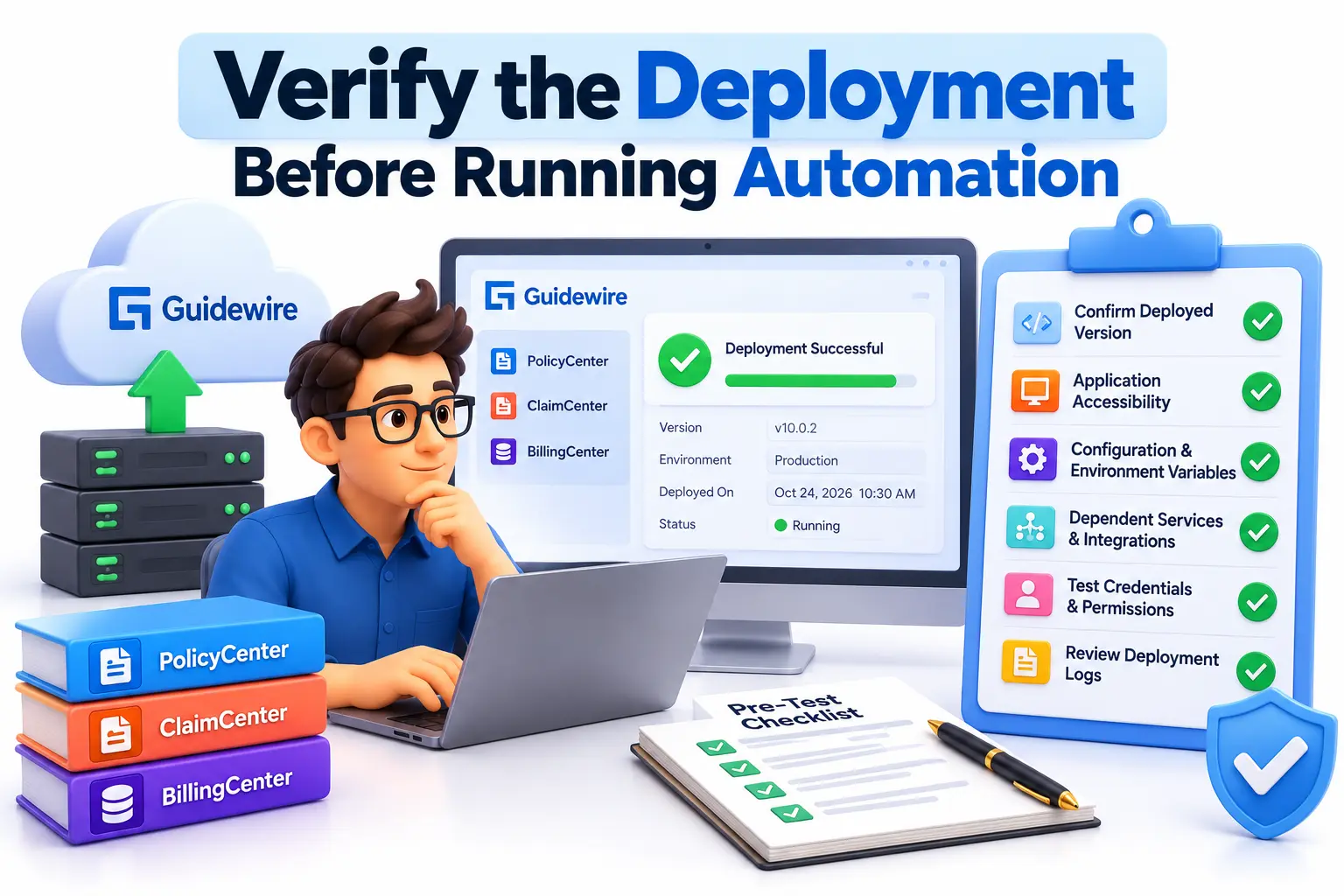
The first execution step is to confirm that the target Guidewire environment is ready for testing. Running automated scripts against an unavailable application or incorrectly configured environment produces misleading failures and wastes debugging time.
For Guidewire Cloud Platform environments, authorized team members can use Guidewire Home and the relevant Cloud Platform applications to inspect deployment information. Check the latest deployment activity, application status, and deployment status. Confirm that the intended build reached the correct planet before launching the test suite.
Follow this pre-test checklist:
Verify that the expected application version has been deployed.
Confirm that the application is running and accessible through its intended URL.
Check that required configuration, certificates, secrets, and environment variables are available.
Confirm that dependent services and integration endpoints are reachable.
Validate test credentials, user permissions, and required test data.
Review deployment logs and resolve obvious startup or configuration errors.
If the application is unavailable, investigate the deployment or environment before troubleshooting individual test scripts. If the application is accessible but an integration is unhealthy, isolate that dependency and document the limitation.
This initial verification creates a reliable starting point for automation and helps teams distinguish deployment problems from genuine application defects.
Run Smoke Tests to Validate Critical Workflows
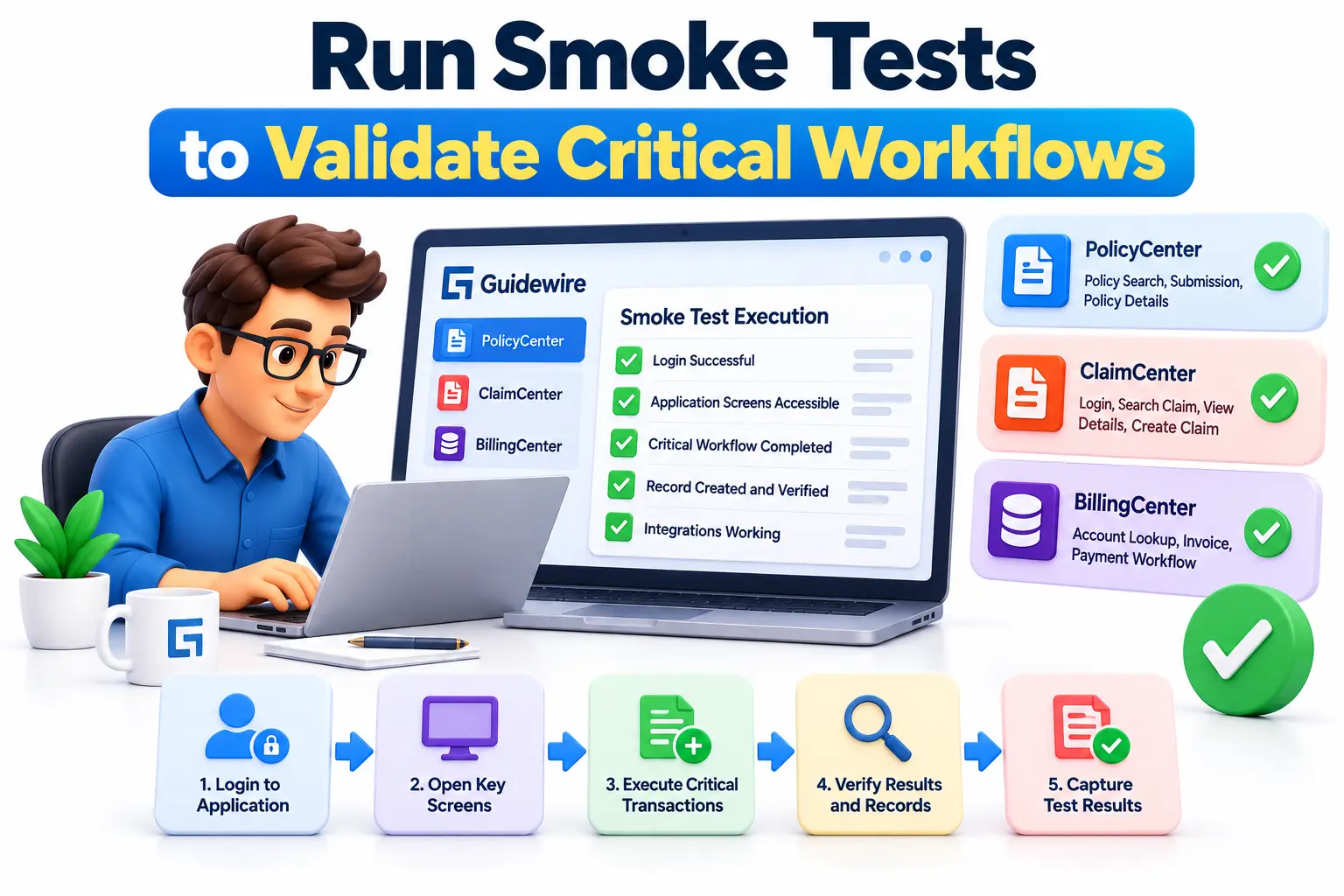
Smoke testing is the first functional checkpoint after deployment. Its purpose is to determine whether the most important application capabilities work well enough to justify broader testing. Smoke tests should be short, repeatable, and focused on business-critical functionality.
For example, after deploying ClaimCenter, a smoke test might verify that an authorized user can log in, search for an existing claim, open the claim details, and access essential claim information. Depending on the release scope, the suite might also create a test claim and verify that the record is saved correctly.
For PolicyCenter, smoke tests could cover policy search, submission creation, and access to policy details. BillingCenter tests might verify account lookup, invoice visibility, and payment-related workflows.
A practical smoke-testing sequence includes:
Authenticate using a designated test account.
Open the primary application screens.
Execute one or more critical business transactions.
Verify expected responses and saved records.
Capture execution results, errors, and relevant logs.
Avoid treating a successful login as proof that the application is healthy. Authentication may work even when transaction processing or external integrations fail.
Teams should define clear pass and fail criteria before execution. If a critical smoke test fails, investigate the issue before proceeding with extensive regression testing or promoting the release.
Execute Automated API and UI Tests Using GT Framework
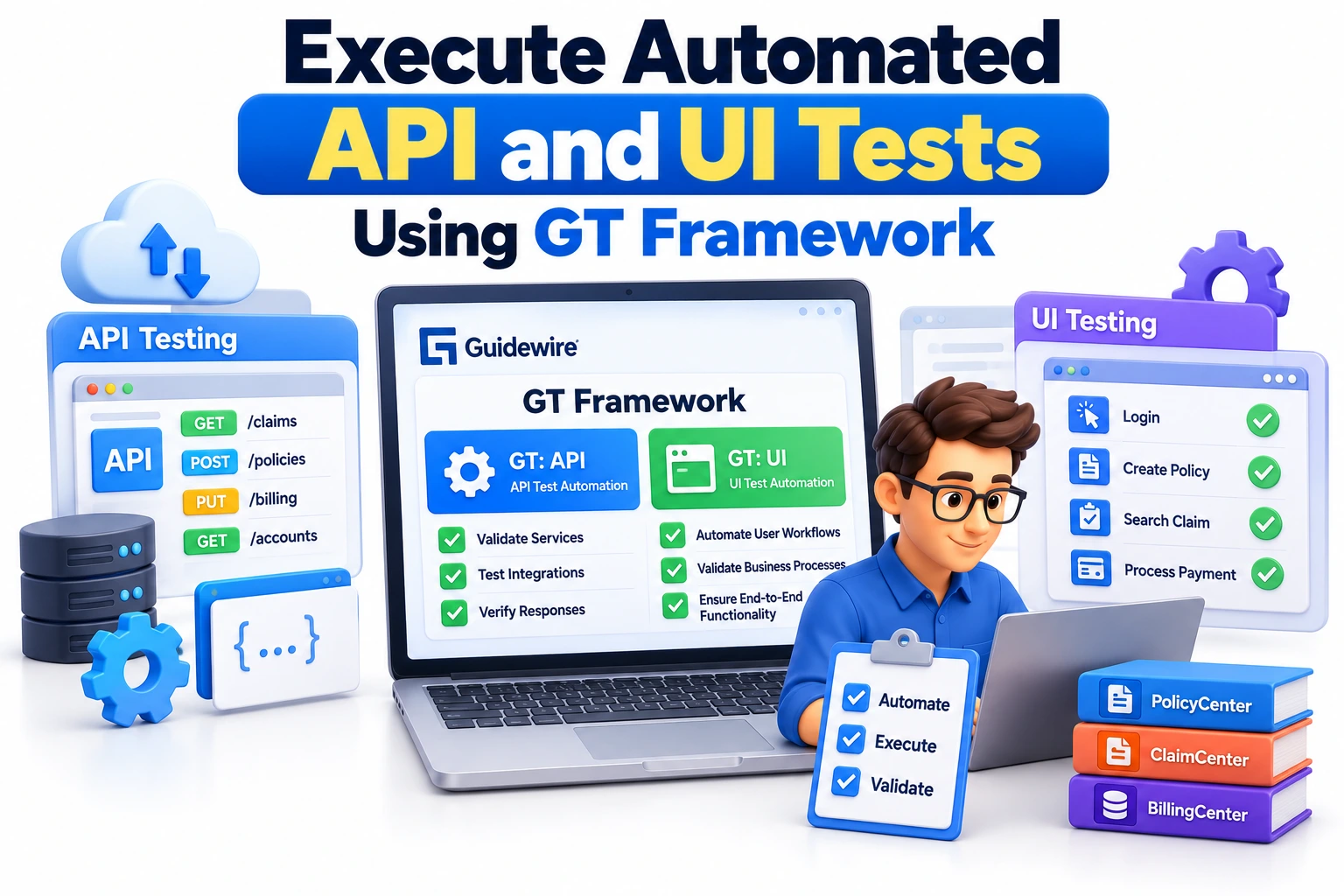
For Guidewire Cloud implementations, the Guidewire Testing Framework (GT Framework) provides tools for automated end-to-end testing. It includes API testing through GT: API and user interface testing through GT: UI. The appropriate choice depends on the behavior being validated.
API automation is useful for checking service responses, business operations exposed through APIs, and integration behavior. UI automation verifies the experience users encounter through application screens, including navigation, field validation, and transaction completion.
For example, an API test might verify that a permitted request retrieves the expected claim information. A UI test could confirm that an adjuster can locate the same claim, open its details, and complete an authorized action.
To execute these tests effectively:
Select the appropriate GT Framework API or UI test build.
Verify the application-under-test URL and required build parameters.
Confirm that the selected test suite belongs to the intended repository branch and module.
Check that the target application is deployed and compatible with the framework requirements.
Execute the tests and inspect failed assertions, logs, and execution reports.
Guidewire Cloud Platform supports configuring GT Framework tests to run automatically after a successful InsuranceSuite deployment. Authorized users can configure these post-deployment tests through the relevant Cloud Platform tooling.
Build templates, supported configurations, and migration requirements can vary by release. Teams should consult the documentation for their specific environment rather than assuming that every older testing configuration remains current.
Perform Regression Testing and Validate Integrations
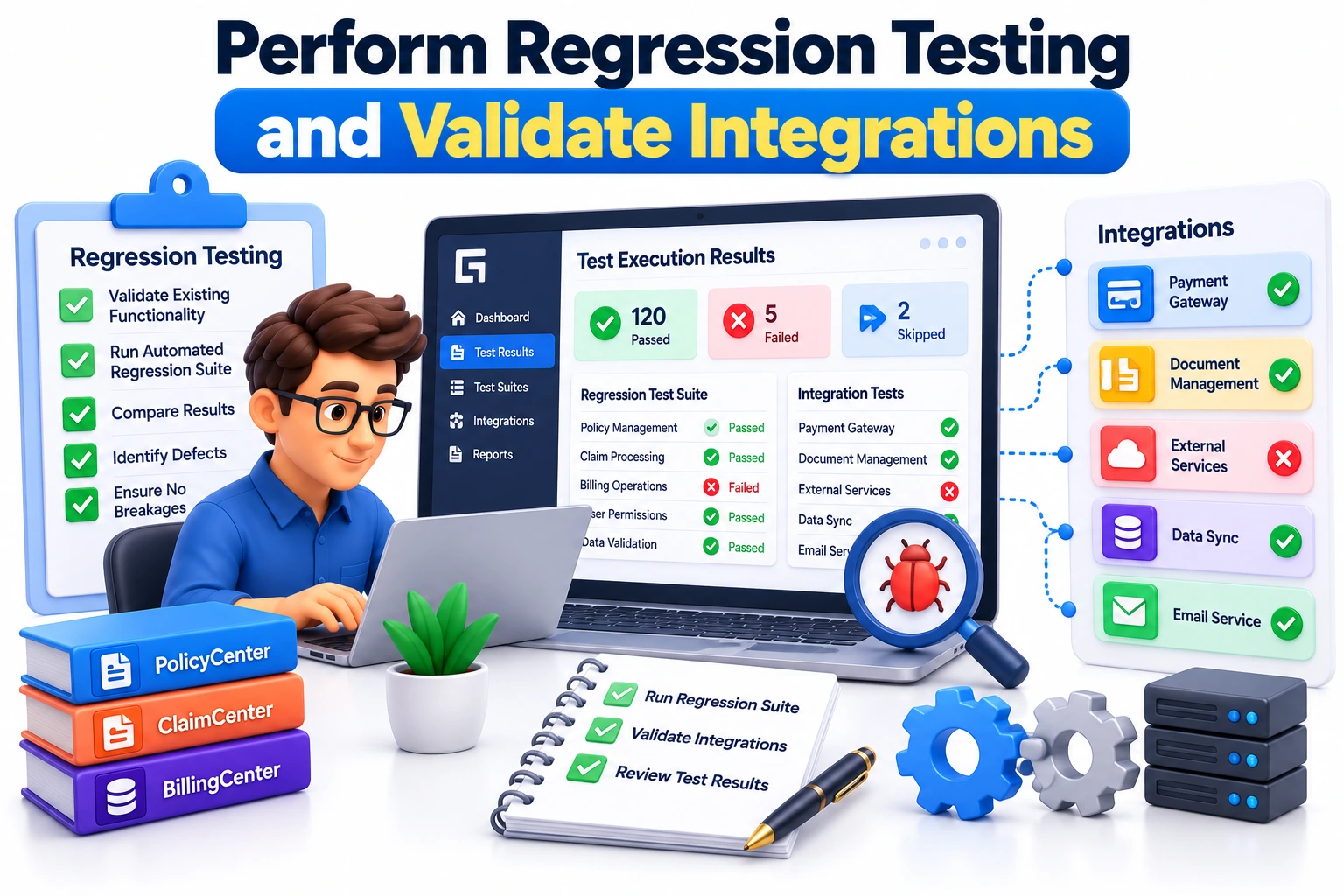
Smoke tests establish basic readiness, but they cannot prove that a deployment has preserved all existing business functionality. Regression testing provides broader coverage by executing previously established tests against the updated application.
Select regression scenarios based on the release contents, historical defects, business risk, and dependencies between components. For instance, a ClaimCenter change affecting claim financials may require additional validation of reserves, payments, permissions, and downstream financial integrations.
A practical regression suite should include:
Critical business workflows affected by the deployment.
Previously fixed defects that could reappear.
Permission and role-based access scenarios.
API contracts and integration error handling.
Data persistence and consistency checks.
Important cross-application workflows involving PolicyCenter, ClaimCenter, or BillingCenter.
Integration testing deserves particular attention because a Guidewire application can appear healthy while an external service is unavailable or returning unexpected data. Validate both successful responses and appropriate handling of timeouts, rejected requests, and incomplete responses.
Use controlled test data and avoid performing destructive transactions against production records. Where production validation is necessary, follow the organization's approved testing procedures and access controls.
Teams building their skills through Guidewire Training in Chennai or Guidewire Training in Hyderabad should focus on understanding insurance workflows alongside automation techniques. This combination helps testers design scenarios that validate actual business outcomes rather than simply checking whether a screen loads.
Automate Test Execution, Analyze Failures, and Establish Quality Gates
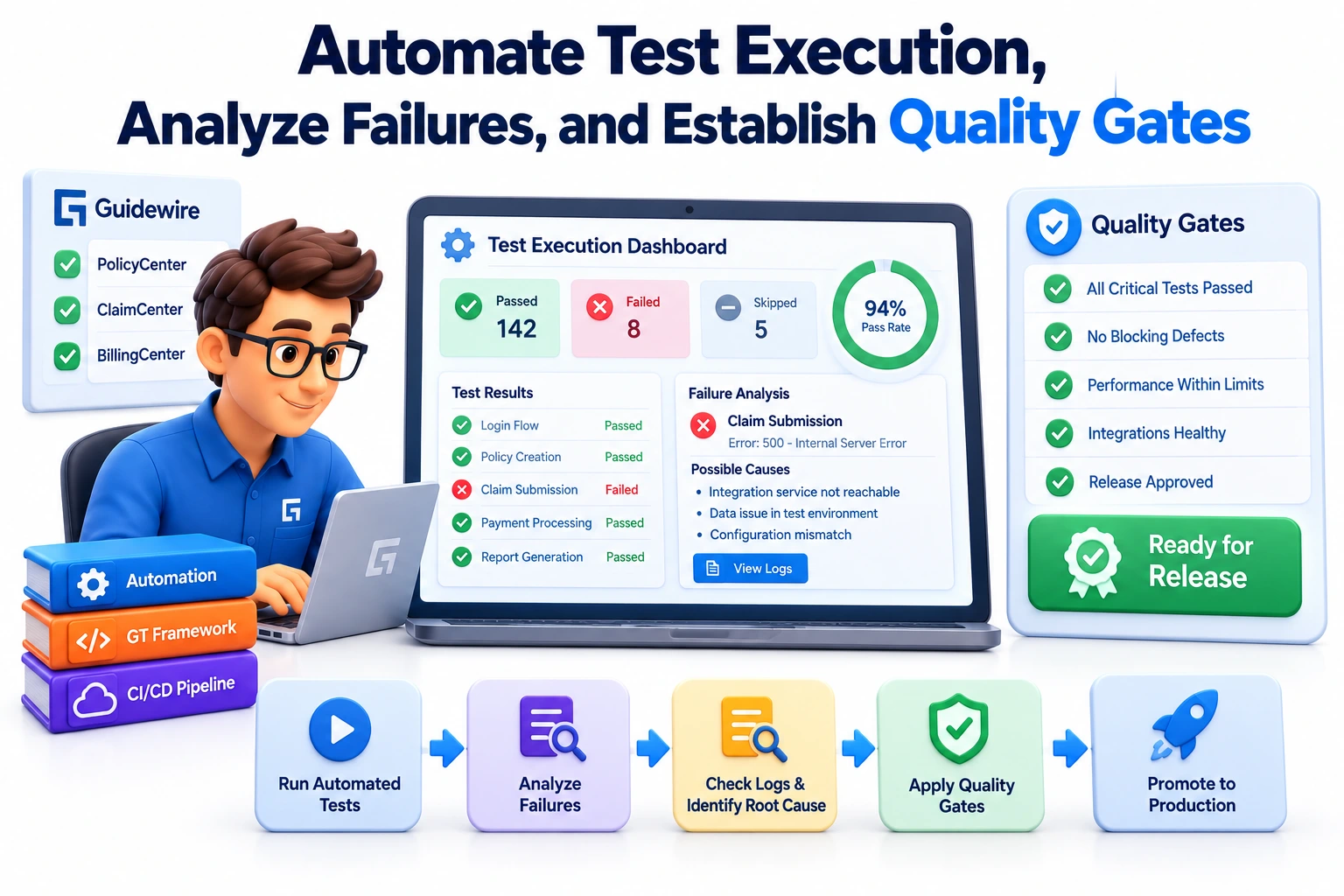
Manual execution may be sufficient for a small release, but repeatable automation becomes more valuable as deployments become frequent. Integrating post-deployment tests into the release pipeline reduces reliance on individual testers and provides consistent evidence of application readiness.
Within Guidewire Cloud Platform, teams can configure post-deployment tests to trigger after successful deployments to designated planets. The configuration process includes selecting the test type, repository branch, target planet, and relevant builds and parameters.
A sustainable execution process should also define what happens when tests fail. Not every failure indicates an application defect. Problems may originate from unstable test data, authentication changes, environment availability, integration outages, or outdated automation scripts.
Use a structured failure-investigation process:
Application defect: Reproduce the issue and review relevant application logs and error details.
Environment problem: Verify service availability, configuration, permissions, and endpoint accessibility.
Automation failure: Check selectors, assertions, test dependencies, and script compatibility.
Test data issue: Confirm that required records exist and remain in the expected state.
Integration failure: Examine service responses, connectivity, and dependency health.
Record test results, execution timestamps, failed scenarios, and defect references. Define release criteria before execution, including which failures block promotion and which require investigation without immediately stopping the pipeline.
Where supported by the organization's Guidewire Cloud configuration, quality gates can help enforce these decisions. A failed critical test should prevent further promotion when the applicable release policy requires it.
JastTech emphasizes practical technical learning that connects testing concepts with real project workflows. Developing these skills helps aspiring Guidewire professionals understand how automated validation supports reliable releases, efficient troubleshooting, and continuous delivery.
Conclusion
Running automation tests after a Guidewire deployment requires more than launching a test suite. Teams should verify deployment readiness, execute critical smoke tests, validate APIs and user interfaces, run risk-based regression scenarios, and investigate failures systematically. Integrating these activities into an automated release pipeline makes testing more consistent and helps identify problems before they affect insurance operations.
The most effective approach combines technical automation with a clear understanding of insurance business processes. By establishing meaningful test coverage, reliable test data, actionable reporting, and appropriate quality gates, organizations can improve release confidence and reduce avoidable production issues. For professionals seeking to develop these capabilities, JastTech provides a starting point for exploring Guidewire technologies and building practical skills aligned with industry workflows.