

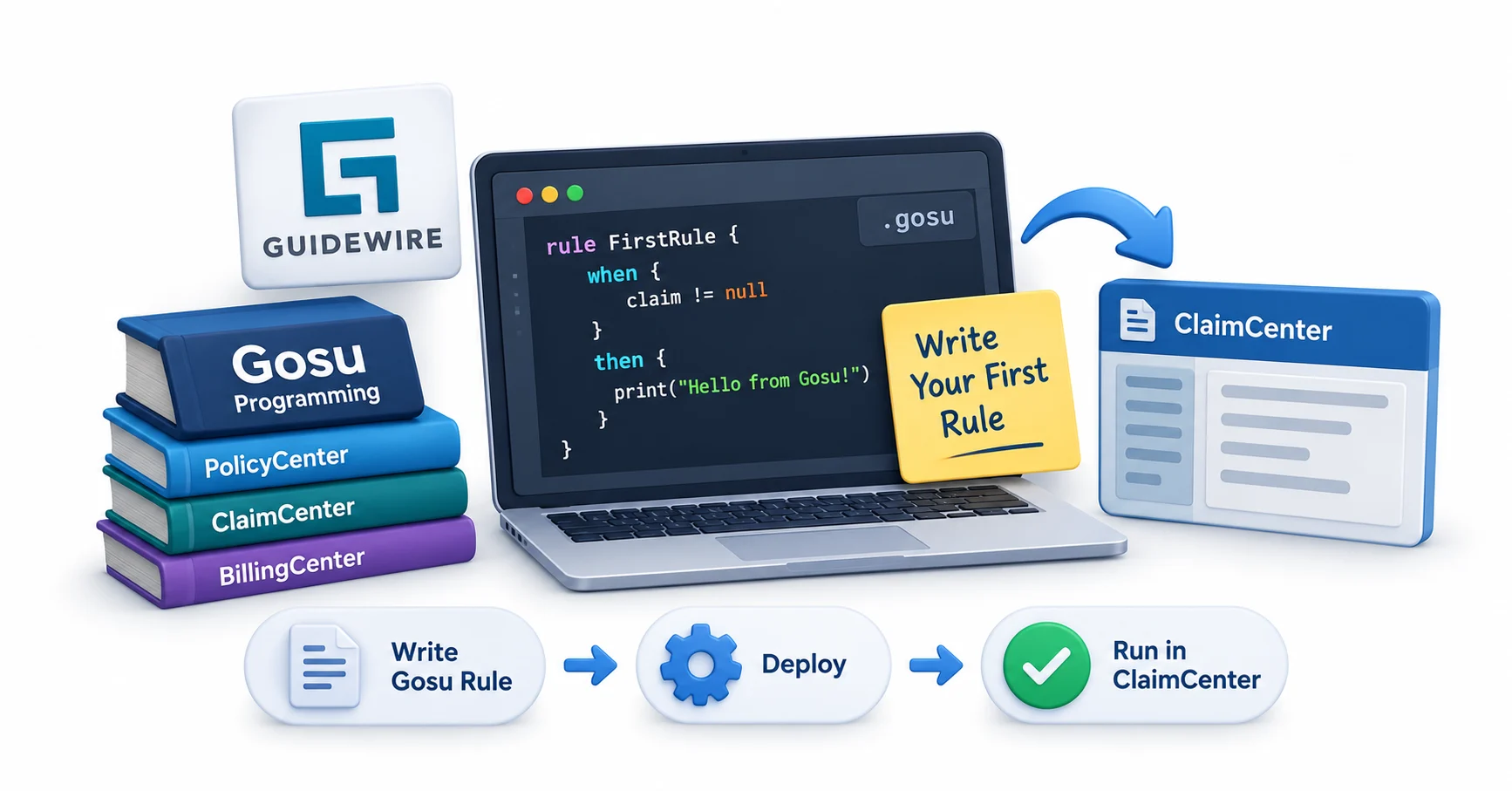
Guidewire Gosu Programming Tutorial for Beginners: Write Your First Rule in ClaimCenter
Navigate through this article using the table of contents below
Table of Contents
No headings found in this article.
The first time most developers open a Guidewire sandbox, they expect Java. What they find instead is Gosu — and that single moment of confusion is where every good ClaimCenter developer's story actually begins.
This Gosu programming tutorial exists for exactly that moment. By the end, you won't just understand what Gosu is — you'll have written and tested your first working rule inside ClaimCenter, with a clear sense of why the language behaves the way it does.
What Makes Gosu Different From Every Other Language You've Learned?
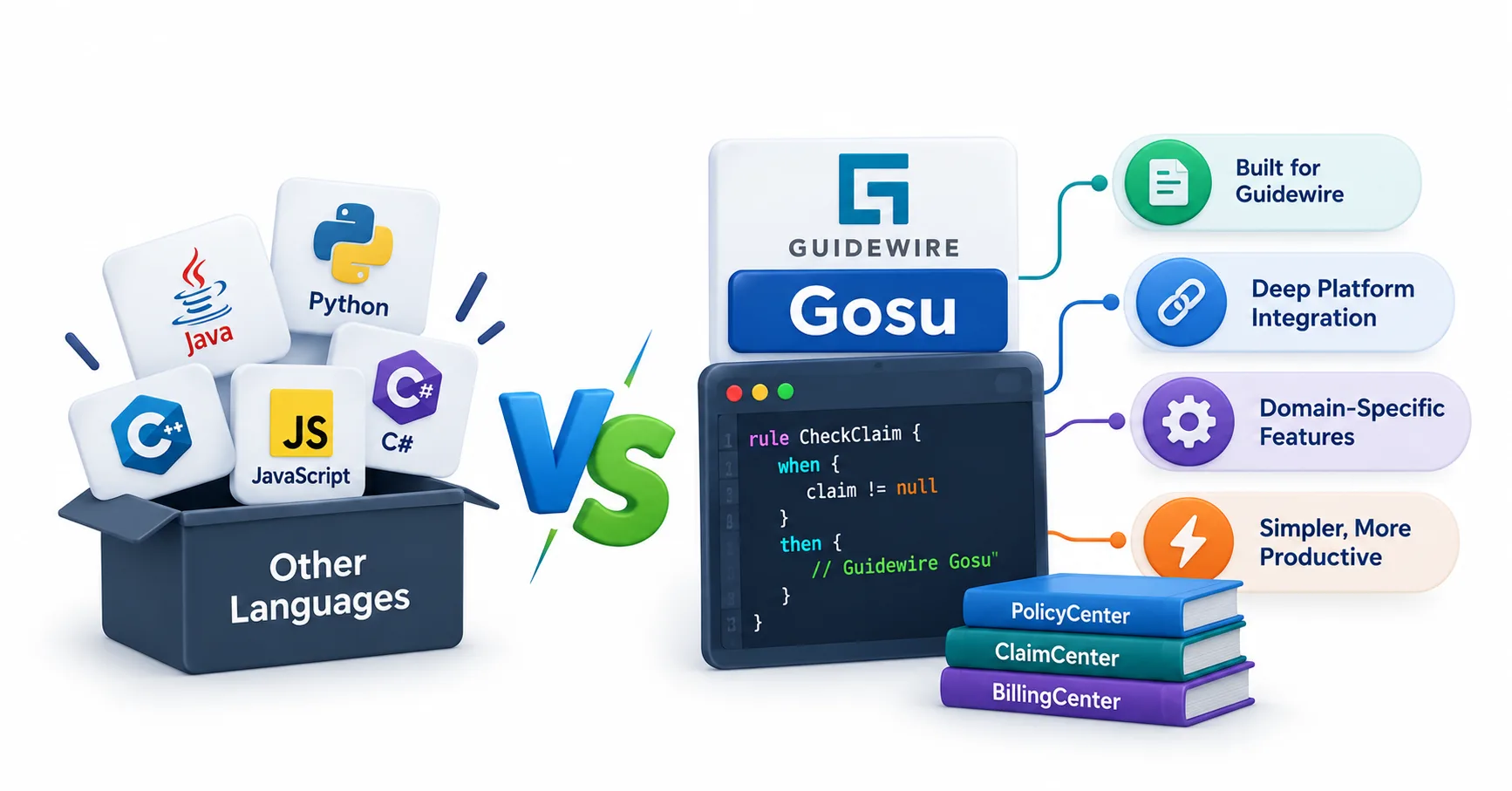
Gosu was built by Guidewire specifically for insurance software, and that origin story matters. It runs on the Java Virtual Machine, which means it can call Java classes directly, but it drops a lot of Java's boilerplate in favor of type inference and cleaner syntax.
If you've written Java before, Gosu will feel familiar within a day. If you haven't, that's fine too — Gosu was designed to be approachable for business analysts and configuration teams, not just career programmers.
The real difference shows up in how tightly Gosu integrates with the Guidewire data model. Every entity in ClaimCenter — a claim, a policy, an exposure — becomes a native Gosu type you can reference without writing a single import statement.
For a deeper breakdown of the language's origins and purpose, this piece on what Gosu is in Guidewire and why it matters is worth reading alongside this tutorial — it fills in the "why" behind everything we're about to build.
Setting Up Your ClaimCenter Sandbox the Right Way
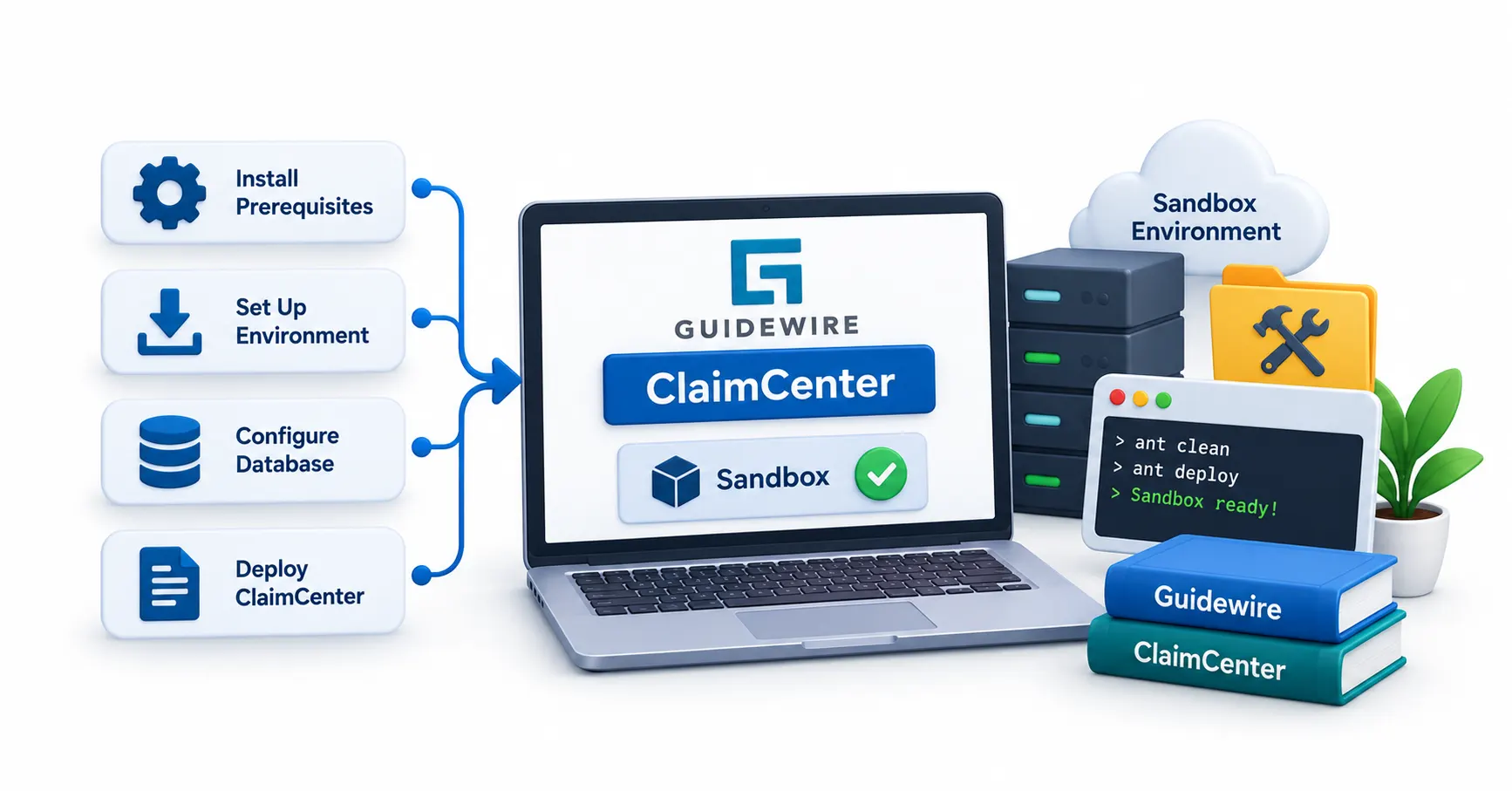
Before writing any rule, you need an environment that won't fight you. Most beginners skip this step and pay for it later with mysterious errors that have nothing to do with their code.
Start with a local ClaimCenter development environment or a sandbox provisioned by your team. You'll need access to Guidewire Studio, the IDE where Gosu configuration happens — rules, PCF files, and data model extensions live here.
As you explore Guidewire development roles and the demand for Guidewire Gosu developers in Chennai, understanding how Studio, Gosu rules, PCF, and the ClaimCenter data model work together becomes more important than simply knowing Gosu syntax.
A few setup habits save real time:
Keep a separate workspace for experiments versus production-bound code
Enable verbose logging early, since Gosu error messages can be terse
Familiarize yourself with the Business Rules Editor before touching raw Gosu classes
Studio's built-in rule editor is friendlier than it looks. It offers autocomplete for entity properties, which quietly teaches you the data model as you type. Spend twenty minutes just browsing the Claim entity's available fields before writing anything — it'll make the next section far easier to follow.
Anatomy of a Gosu Rule: What's Actually Happening Under the Hood
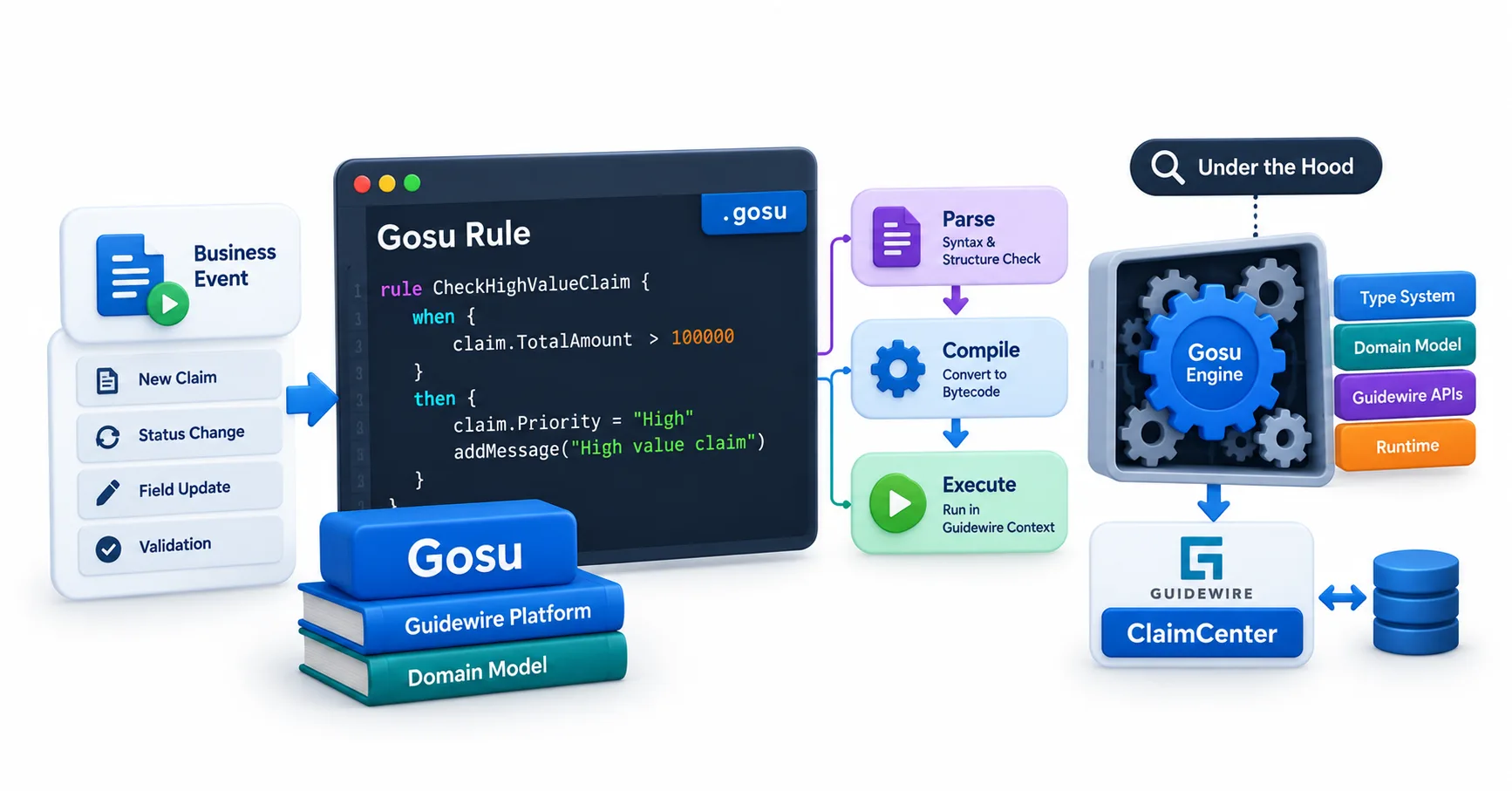
A Gosu rule in ClaimCenter isn't just a script — it's an event-driven piece of logic tied to a specific validation, field-set, or workflow point. Understanding that structure prevents a lot of beginner confusion.
Rules typically fall into categories: validation rules, field-set rules, and requirement rules being the most common starting points. Each type hooks into a different moment in the claim lifecycle.
Here's a simplified structure of a basic condition:
gosu
Notice there's no class declaration, no public static void main. That's intentional — ClaimCenter's rule engine handles execution context for you. Your job is just the logic inside the block.
This is also where Gosu's type safety earns its keep. Reference claim.LossDate incorrectly, and Studio flags it before you even save the file, long before it reaches a live claim.
Writing Your First Rule: A Step-by-Step Walkthrough
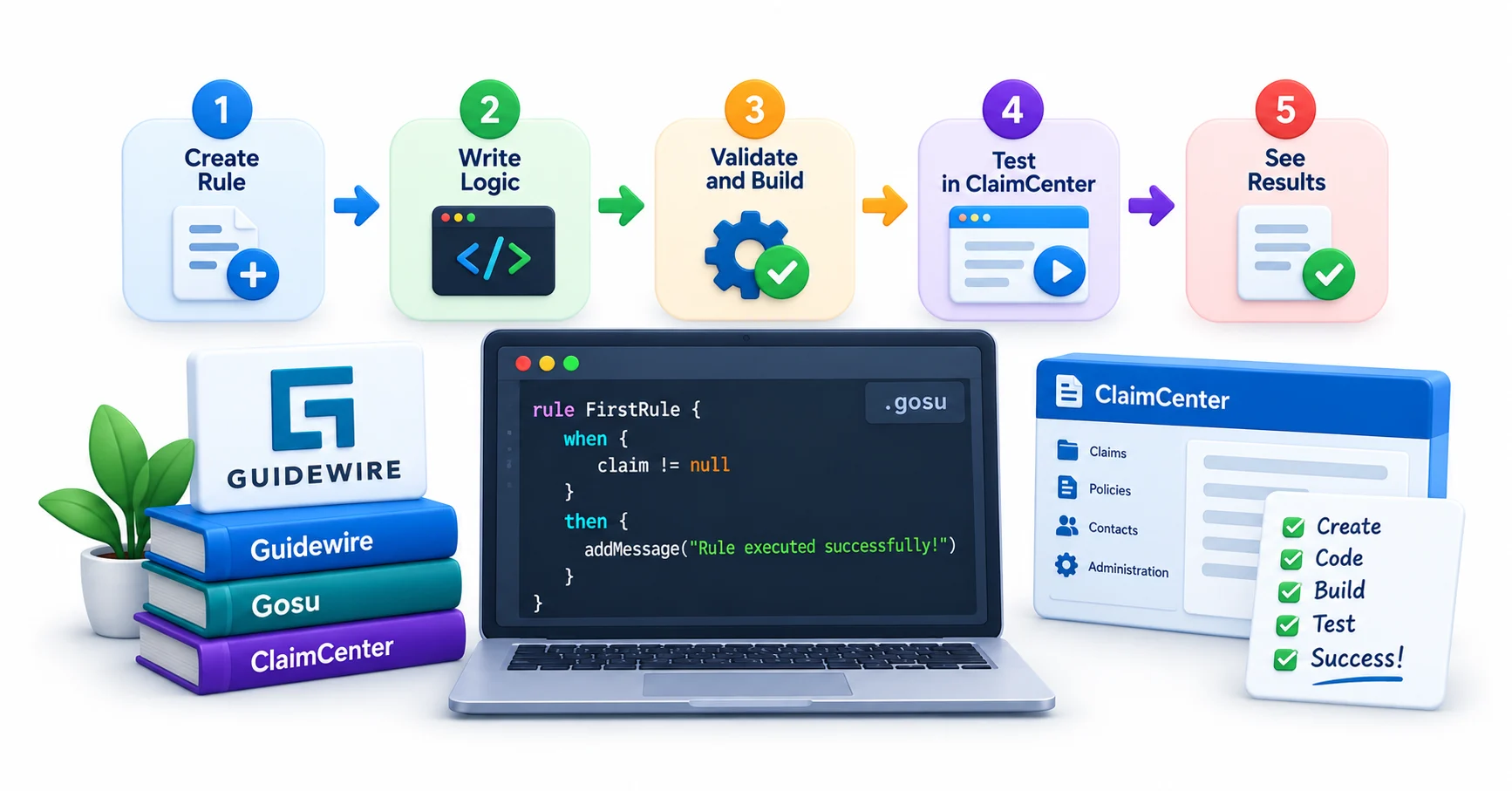
Let's build something real: a rule that flags claims missing a policy number before they can proceed past intake.
Step one — open Studio and navigate to the Rules folder for the Claim entity. Step two — create a new validation rule and name it clearly, something like PolicyNumberRequired.
Inside the rule body, the logic is refreshingly short:
gosu
Step three — save and compile. ClaimCenter will surface any syntax issues immediately in the Studio console.
Step four — test it. Open a sandbox claim, clear the policy number field if your test data allows it, and attempt to move the claim forward. You should see your error message appear exactly where you expect it.
That last step matters more than beginners realize. A rule that compiles isn't the same as a rule that fires correctly — testing against real workflow states catches gaps that reading code never will. Once this rule behaves the way you intended, you've officially written and validated your first piece of ClaimCenter configuration logic.
The Mistakes Every Beginner Makes (And How to Dodge Them)
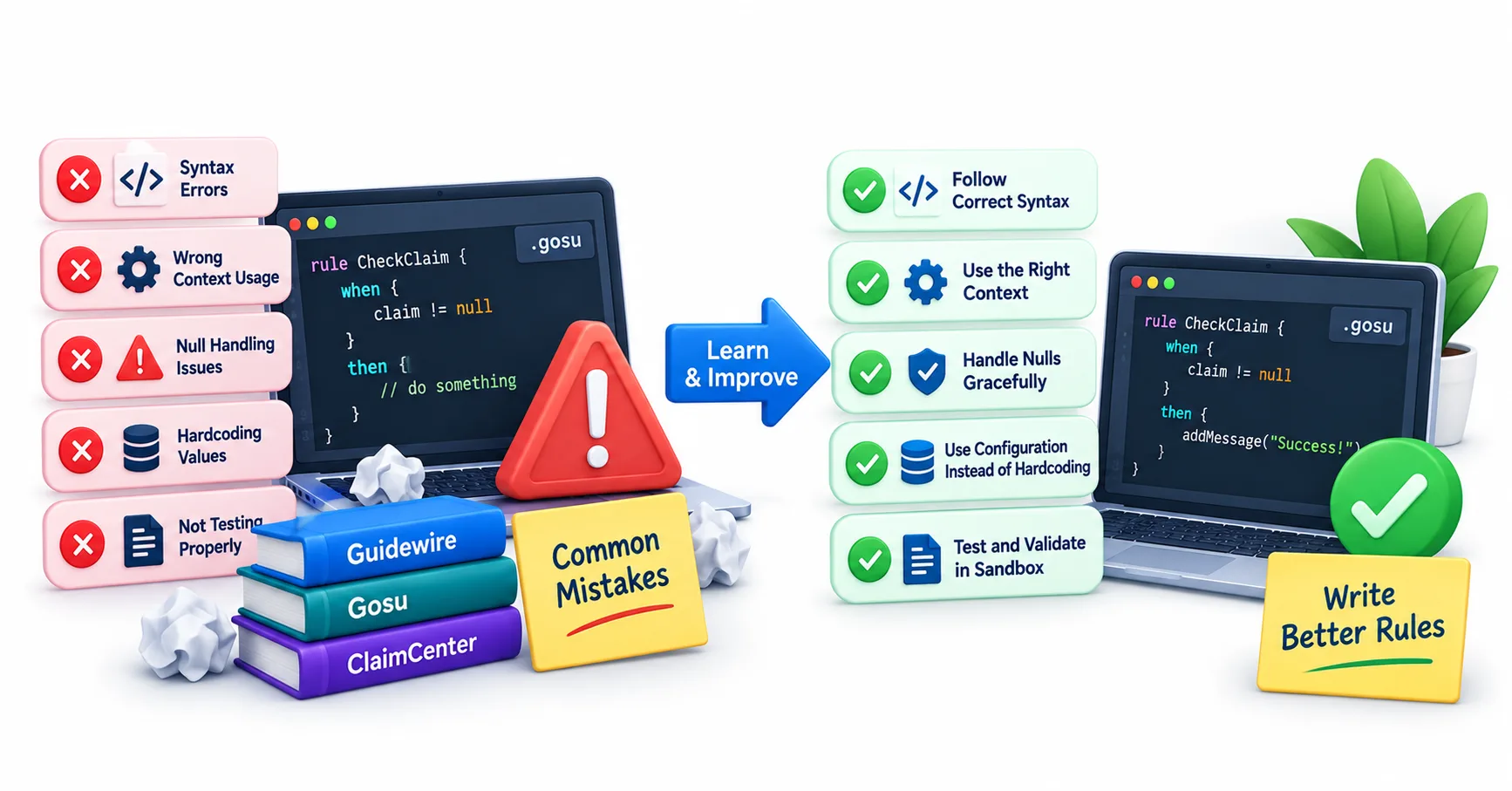
Almost every new Gosu developer trips over the same handful of issues, so knowing them in advance saves hours of frustration.
Null reference errors top the list. Gosu is more forgiving than Java in some respects, but referencing a property on a null object still throws an error. Get comfortable with null-safe checks early.
Misplaced rule scope is another common trap. Writing a rule that fires at the wrong point in the claim lifecycle — say, a validation meant for intake that accidentally runs on every save — creates performance issues and confused end users.
Beginners also tend to overwrite existing entity behavior without realizing Guidewire's base configuration already handles part of the logic they're trying to build. Before writing new code, it's worth checking whether the base config already has a hook you can extend rather than duplicate.
Finally, skipping version control discipline causes real damage on team projects. Gosu files are just text, and merge conflicts in configuration code are just as painful as anywhere else. Commit often, and comment your intent, not just your logic.
Where Do You Go From Here?

Writing one validation rule is a milestone, but ClaimCenter's rule engine goes far deeper — into PCF customization, batch processing, and integration with external rating engines. The learning curve flattens quickly once the fundamentals click.
If you're aiming to build production-level skills rather than tutorial-level familiarity, structured practice matters. Programs like Guidewire training in India are built around exactly this kind of progression — starting with core Gosu syntax and moving toward full ClaimCenter configuration scenarios.
The gap between "I understand Gosu" and "I can configure a production claim workflow" is mostly repetition. Write more rules. Break them intentionally. Read the error messages instead of skimming past them — Gosu's compiler is trying to teach you something every time it complains.
Insurance software has quirks no generic programming course will prepare you for, and that's precisely where hands-on ClaimCenter experience becomes irreplaceable.
Conclusion
Gosu rewards patience more than raw coding talent. Master the entity model, respect the rule lifecycle, and test everything against real claim data. That combination — not memorized syntax — is what separates a working ClaimCenter developer from someone who merely copied a tutorial.