

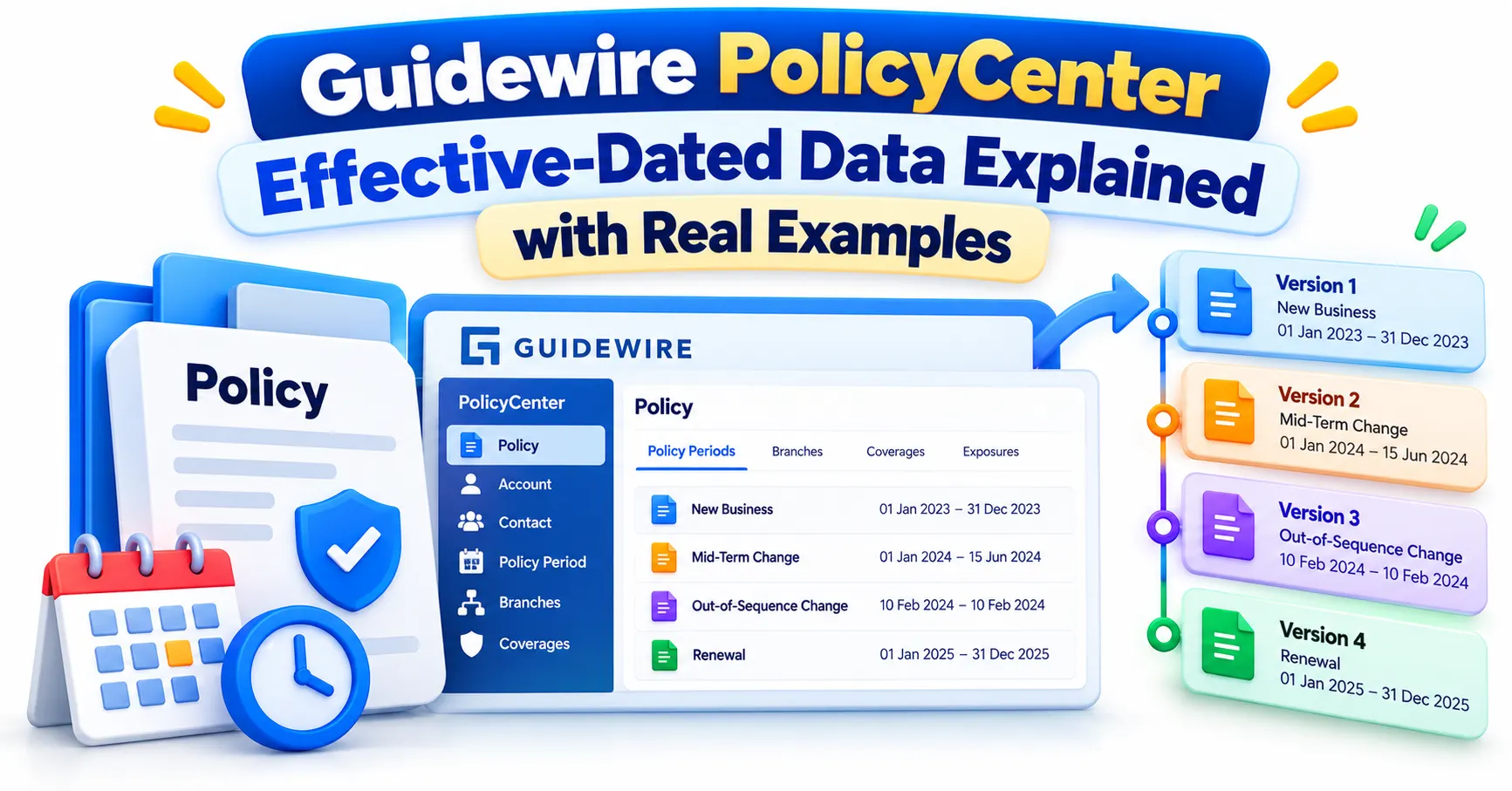
Guidewire PolicyCenter Effective-Dated Data Explained with Real Examples
Navigate through this article using the table of contents below
Table of Contents
No headings found in this article.
A customer adds a second driver on June 1, then asks for a vehicle correction dated back to April. The policy has to show the right picture for every date in between. Guidewire PolicyCenter effective-dated data is what makes that possible, and it is one of the first ideas covered in good Guidewire training in India programs.
Many learners memorize the terms without seeing how the pieces behave inside a live transaction. The examples below show how it works in practice.
Guidewire PolicyCenter Effective-Dated Data in Plain Language
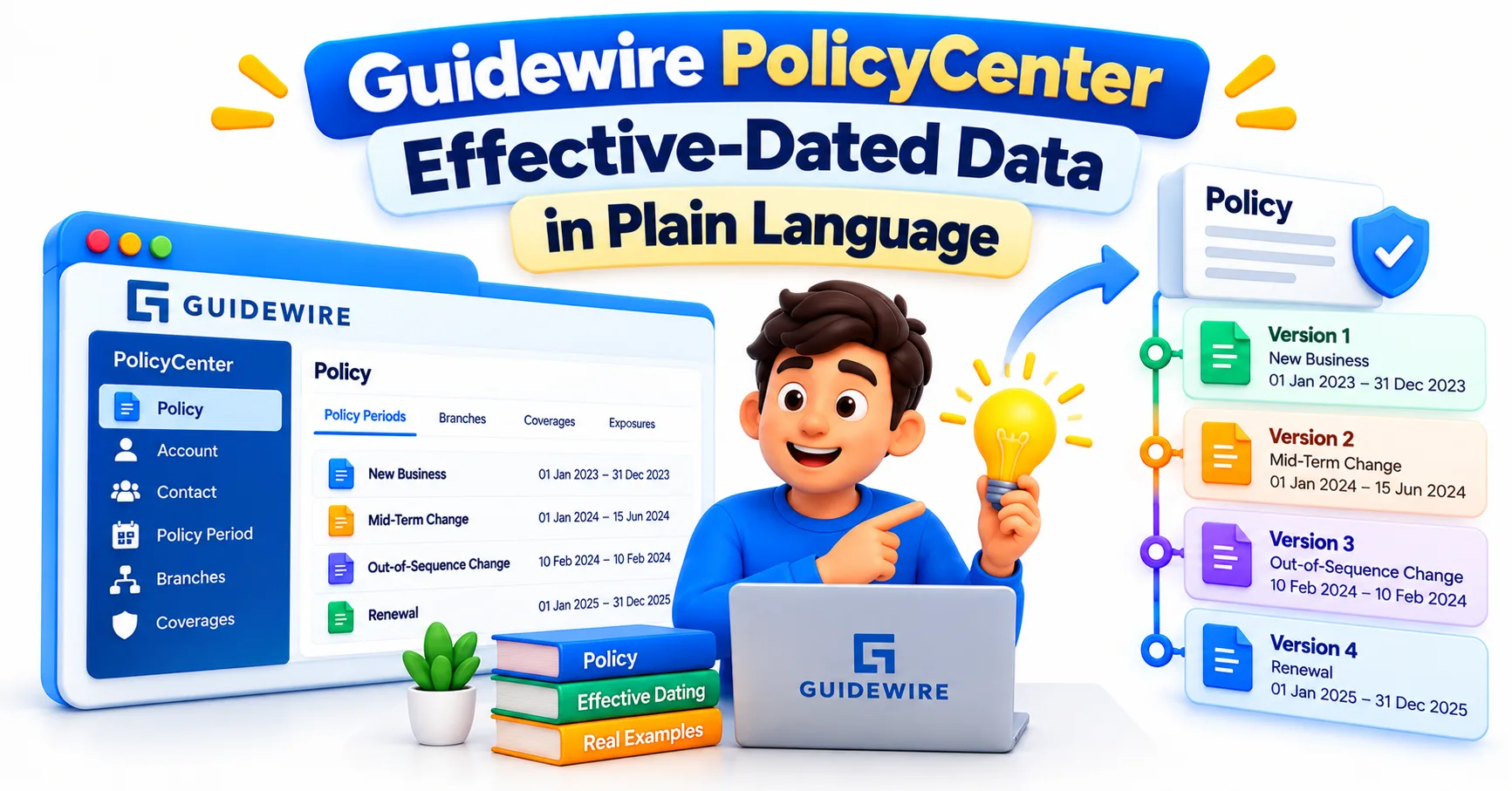
Effective-dated data is information that is valid only for a stretch of time, with a start date and an end date attached. When a value changes, PolicyCenter does not overwrite it. It keeps the old value for the dates it applied and adds the new one from the date it takes over.
Think of a policy as a timeline rather than a single form. A vehicle may sit on the policy from January to May and then be replaced by another. A coverage limit may go up on July 1. Each fact carries its own effective and expiration dates, so the system can answer one simple question: what did this policy look like on a given day?
Not every object works this way. In Guidewire's terminology, a branch is a graph of objects with a PolicyPeriod at its root, representing all the effective dates in a term. The branch holds the timeline, and the pieces inside it, such as lines, coverages, and risk items, carry the dates. Policy-level fields that change over time but belong to no line are stored in an entity called EffectiveDatedFields.
Why Insurance Cannot Run on Overwritten Data
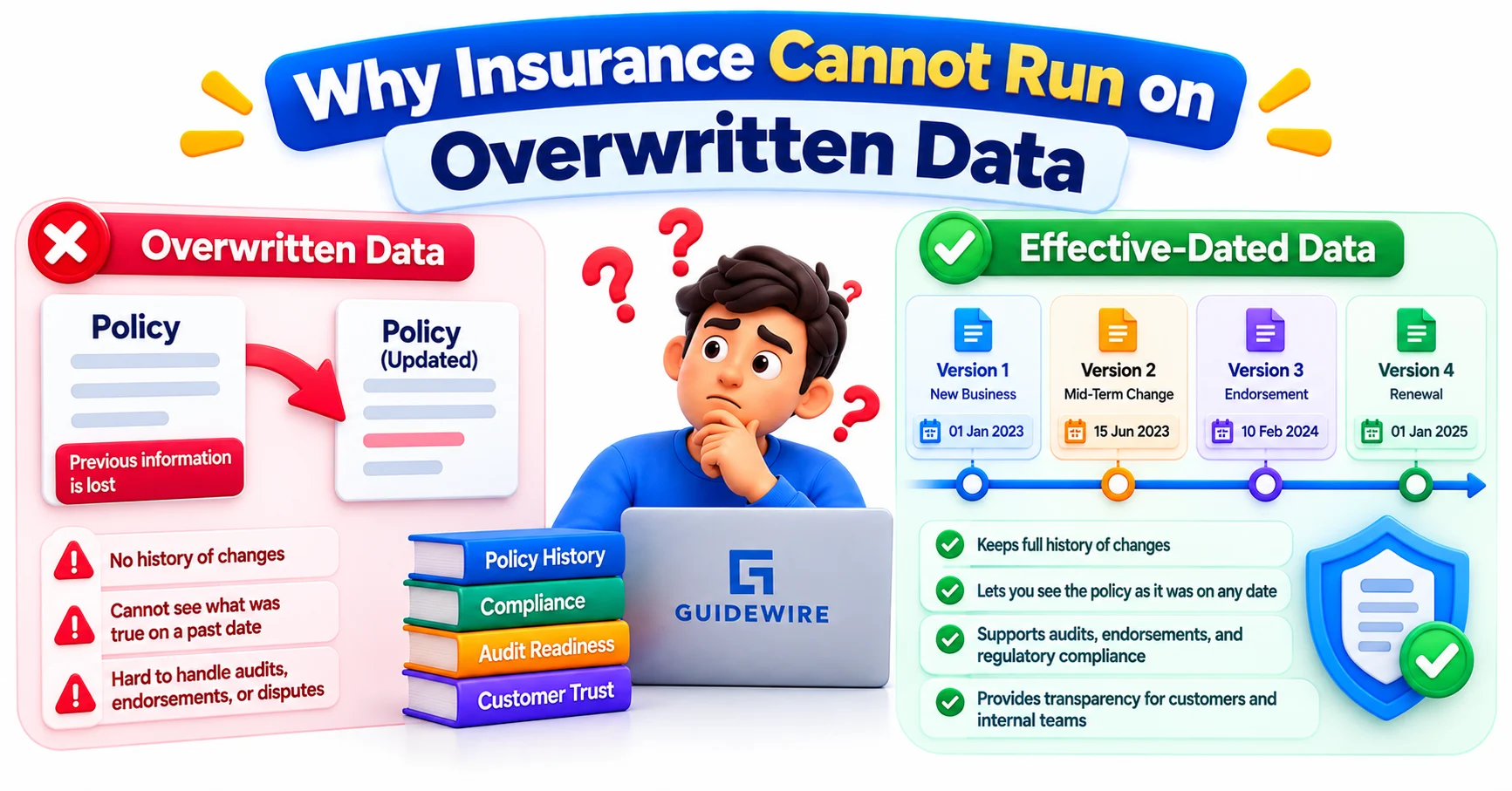
Imagine PolicyCenter simply replacing an old policy value whenever a change is made. If a claim is reported today for an accident that happened on March 12, the system might check the customer’s current coverage instead of the coverage that was actually active on March 12. In insurance, that can lead to incorrect decisions and costly disputes.
Insurance systems must know what was true at a particular point in time. Billing relies on this information to calculate premiums for the correct period. Claims processing needs it to verify coverage on the date of loss. Auditors and regulators may also need to trace exactly what coverage was agreed upon, when it became effective, and how it changed over time.
This becomes especially important when policies are modified during the term. A customer may add a driver, replace a vehicle, increase coverage limits, or cancel a particular coverage halfway through the policy period. Each change should apply from its effective date without altering the historical state of the policy before that date.
Guidewire PolicyCenter handles this challenge through effective dating, which makes time an essential part of policy data. Instead of simply overwriting previous information, the system creates a new dated version of the data. This preserves the policy’s history while ensuring that the correct version can be identified for any specific date.
Understanding effective dating is therefore an important part of learning PolicyCenter and is also a useful topic for anyone exploring a Guidewire course in Hyderabad, particularly those preparing for Guidewire configuration, development, or business analyst roles. It is not just a background feature; it directly supports accurate billing, claims handling, auditing, and policy administration.
PolicyPeriod, Branches, Slices, and Fixed IDs
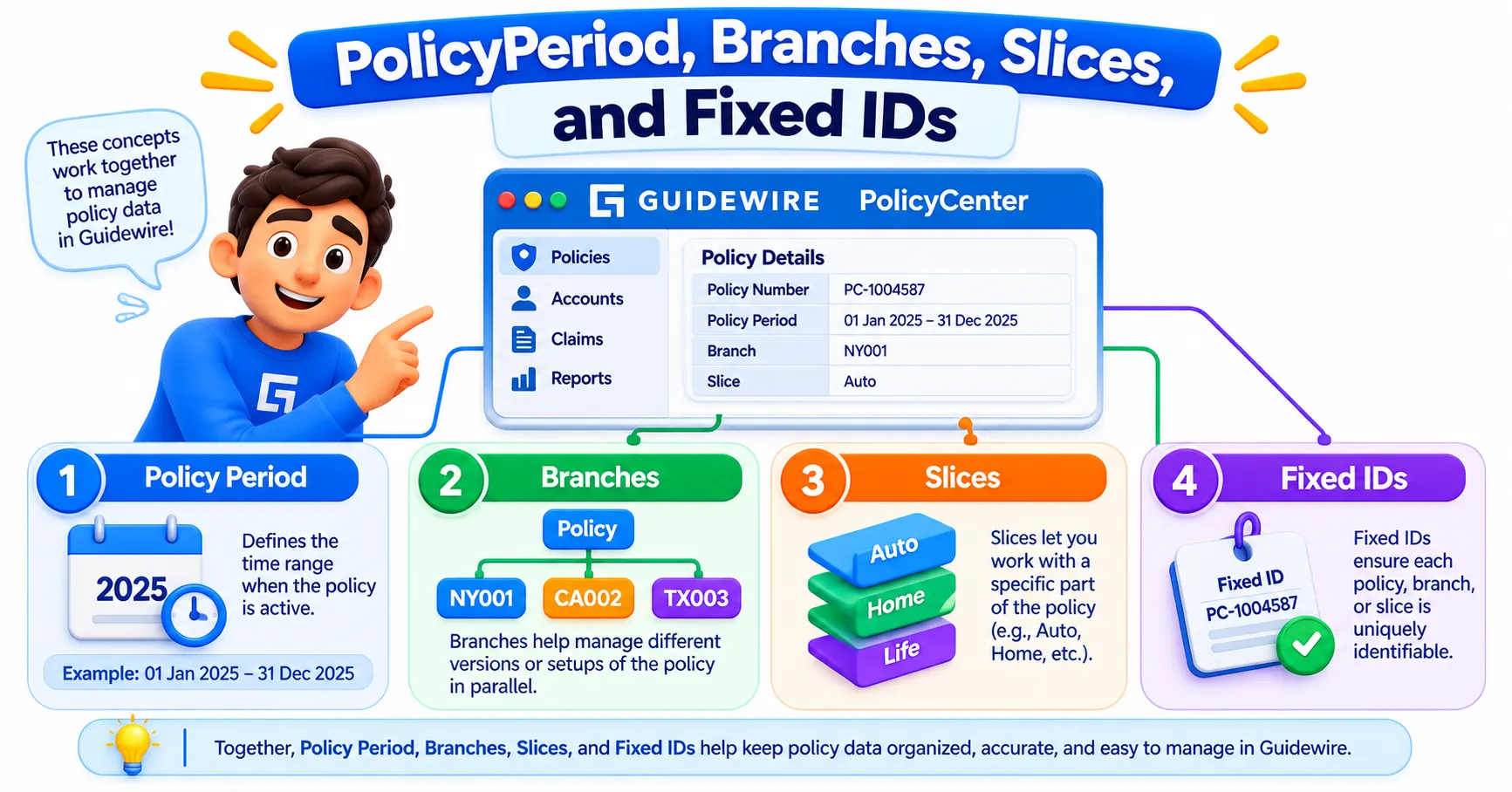
Start with the hierarchy. An Account holds Policies, and each Policy has one or more PolicyPeriods, usually one per term. Inside a period sit the policy lines, and inside those sit coverages and insured items.
A branch is one line of work on a period. When a user starts an endorsement, PolicyCenter creates a new branch that begins as a copy of the bound version. The user edits that branch freely, and nothing changes for the live policy until the branch is quoted and bound.
A slice is a view of the branch on a single date. Because different objects start and end on different dates, the policy on June 1 can differ from the policy on May 1. Gosu code and the interface both work with these date-specific views.
Then there is the fixed ID. Every copy of an object gets its own database ID, so PolicyCenter needs another way to recognize that two versions describe the same real-world thing. The fixed ID stays constant across branches and dates, so "the blue sedan" remains the blue sedan through every change.
One detail surprises many developers: PolicyPeriod is a branch root, not an effective-dated object itself.
Walking Through a Mid-Term Change
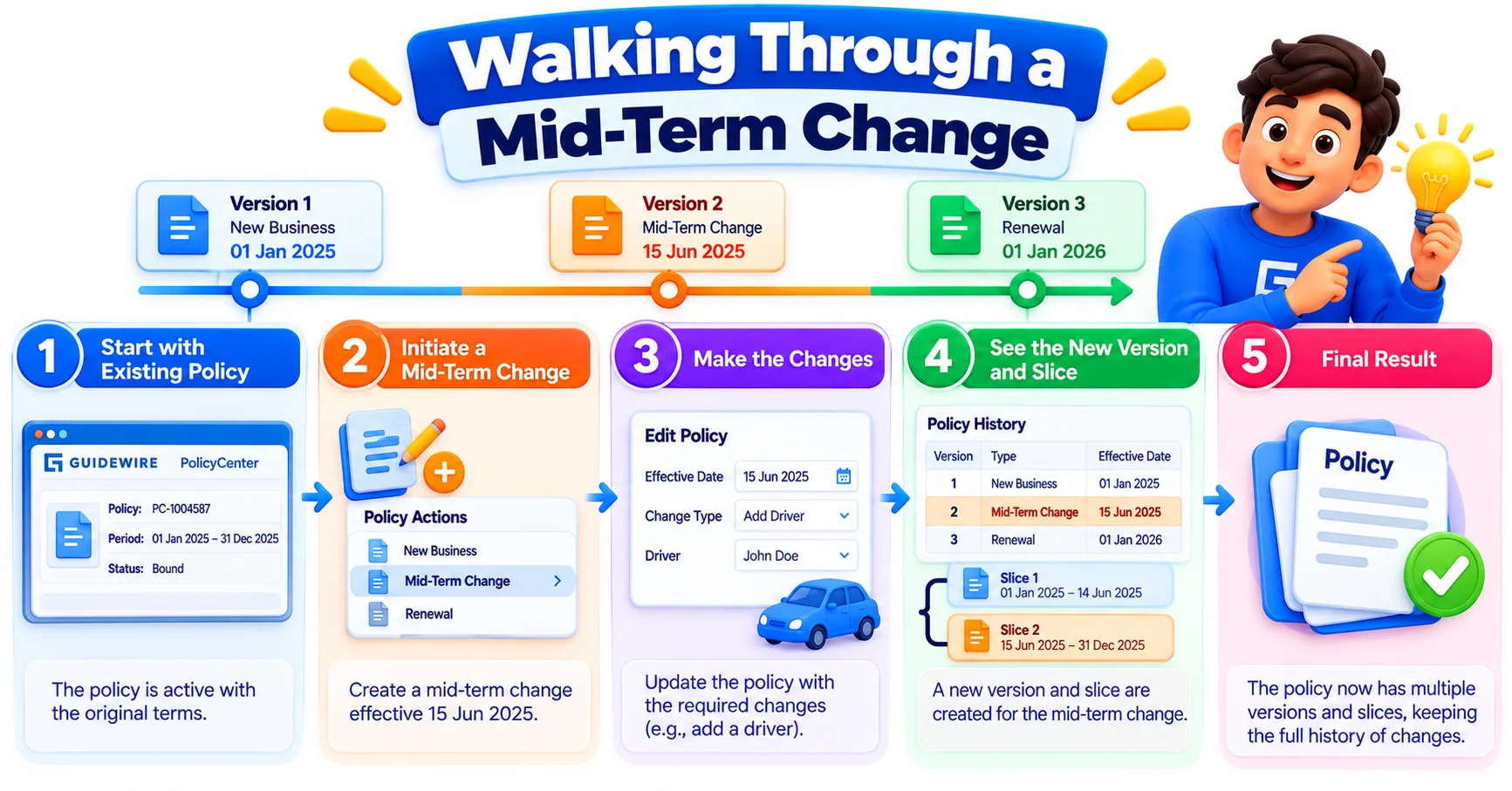
Here is a hypothetical personal auto policy running January 1 to January 1 of the next year. The customer owns one car. On June 1 they call to add a second car.
The agent starts a Policy Change job and sets the edit effective date to June 1. PolicyCenter creates a new branch based on the bound version. The agent adds the second vehicle, and that vehicle carries an effective date of June 1 and an expiration date at the end of the term.
The first car's data does not change. Its coverages stay dated from January 1. The rating engine recalculates the premium for the rest of the term, and only the new period is affected. Once the change is bound, the new branch becomes the current version and the earlier one stays on record.
Now suppose the customer says they actually bought the second car on May 15. The agent must backdate the change. If a later change has already been bound, this is an out-of-sequence situation, and PolicyCenter has specific handling for it. Testers should treat these scenarios as essential, not optional.
Effective-Dated and Non-Effective-Dated Data Side by Side
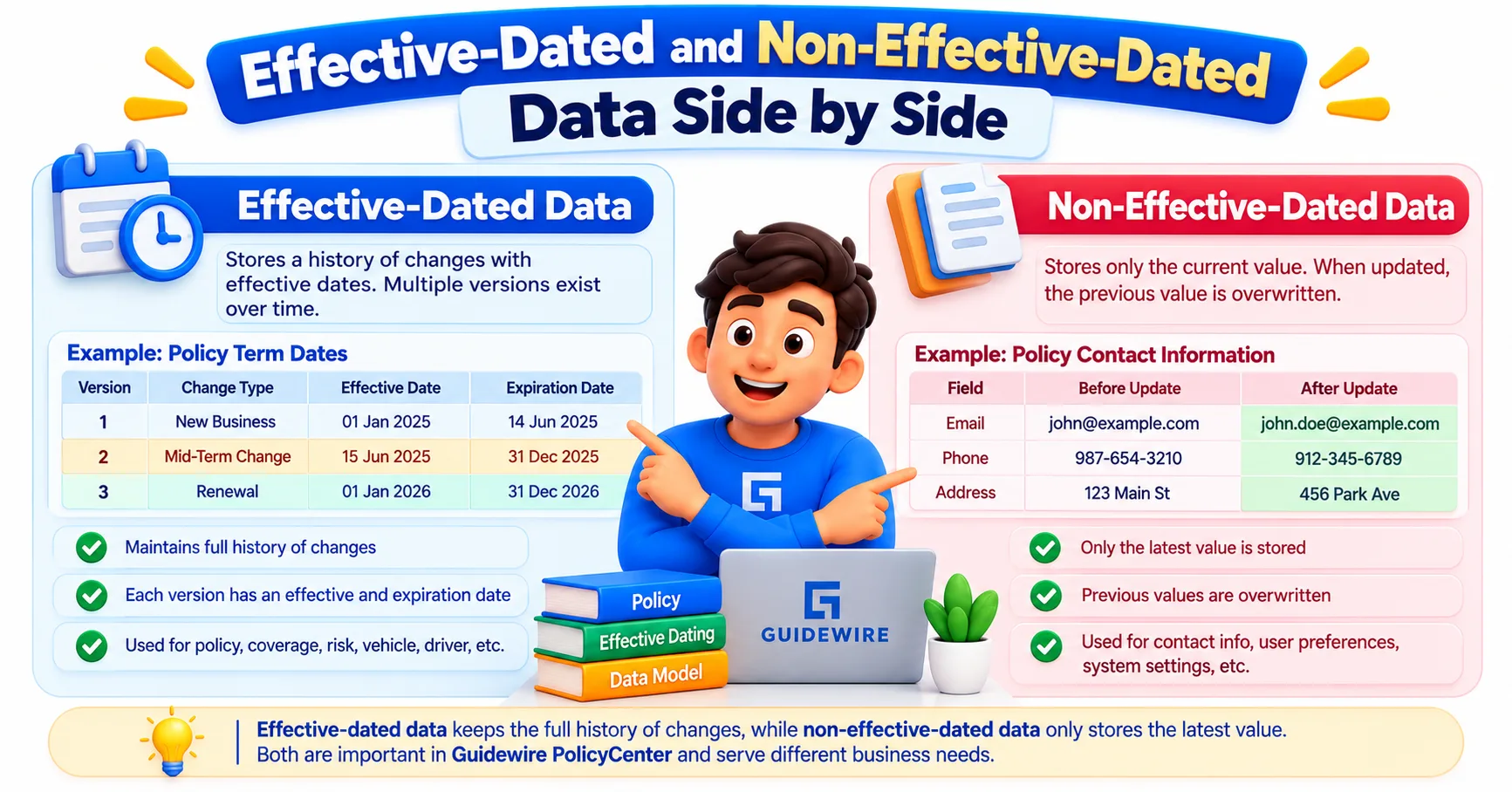
Knowing which data needs dates and which does not decides where a field belongs in the data model.
| Aspect | Effective-dated data | Non-effective-dated data |
|---|---|---|
| Purpose | Values that change during a term | Values that stay constant or sit outside the policy timeline |
| Typical examples | Coverages, vehicles, policy lines, fields in EffectiveDatedFields | Accounts, policies as shells, product definition data |
| Behavior on change | New dated version is created | Value is updated in place |
| Question it answers | "What was true on this date?" | "What is true now?" |
This split also shows up in integration work. Guidewire's REST endpoint generator recommends adding endpoints for effective-dated entities to the Job API and keeping non-effective-dated custom entities in other APIs. Effective-dated resources also work with the asOfDate query parameter, which returns data as it stood on a chosen date.
Getting the classification wrong early is costly. Moving a field from one category to the other later usually means rework across the data model, the interface, and any integrations that consume it.
Mistakes That Cost Teams Time
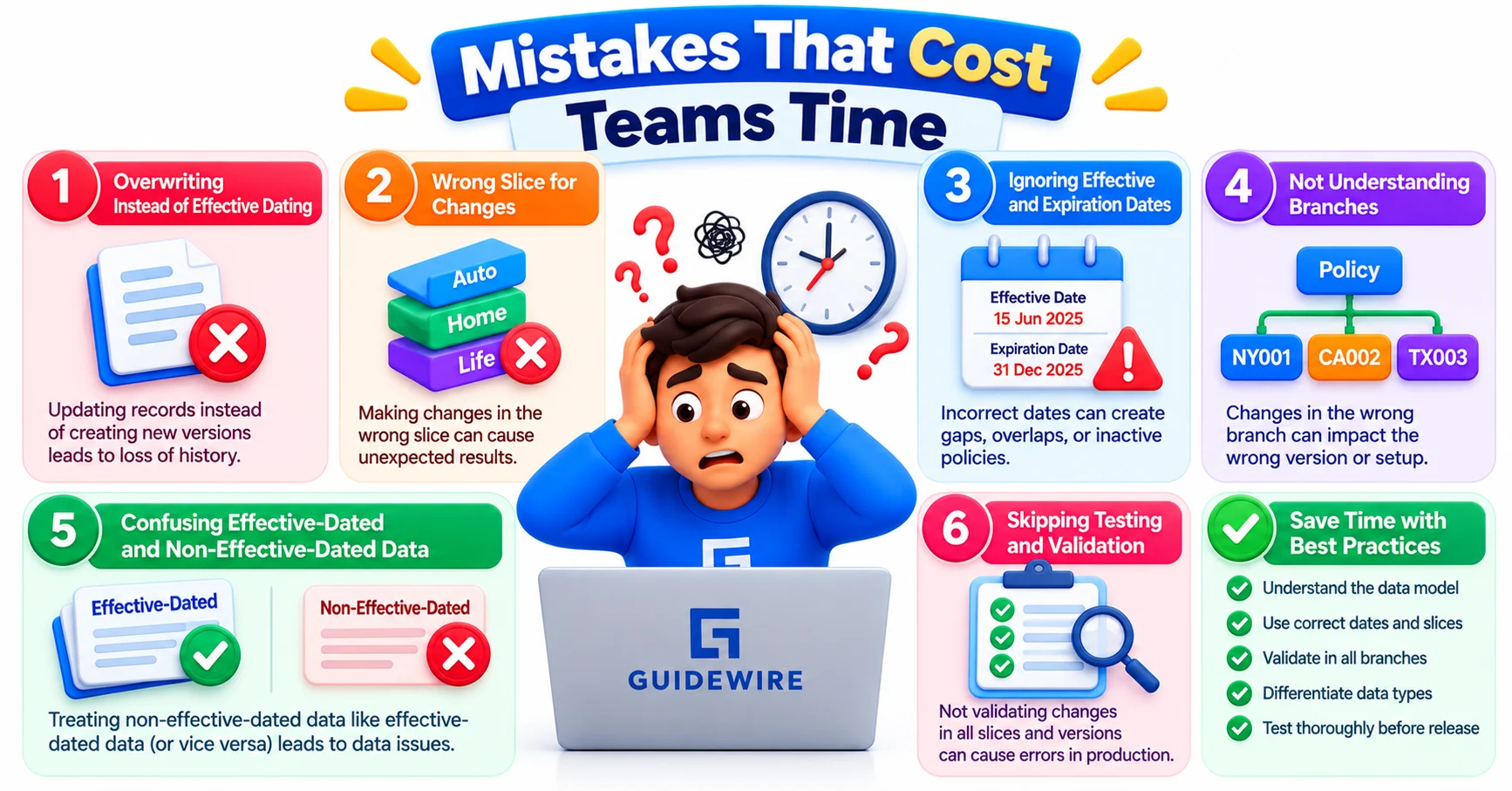
Most problems with effective-dated data come from a small set of habits.
Adding custom fields to PolicyPeriod. A field that changes during a term usually belongs in EffectiveDatedFields or on a line object. Placing it on PolicyPeriod means it will not follow the timeline.
Ignoring the edit effective date. Changes made without confirming it can start on the wrong day and produce the wrong premium.
Reading data without a date in mind. A query that ignores the slice date may return a version that was never the one the user meant.
Testing only one date. A rule that passes on the first day of the term can fail on a mid-term slice, so tests should cover dates before, at, and after each change.
Treating fixed IDs like ordinary keys. Comparing raw database IDs across branches will suggest that objects are different when they are the same.
None of these are exotic. They appear in ordinary projects, usually when someone builds from a screen rather than from the timeline underneath it.
What Interviewers and Project Leads Expect You to Know
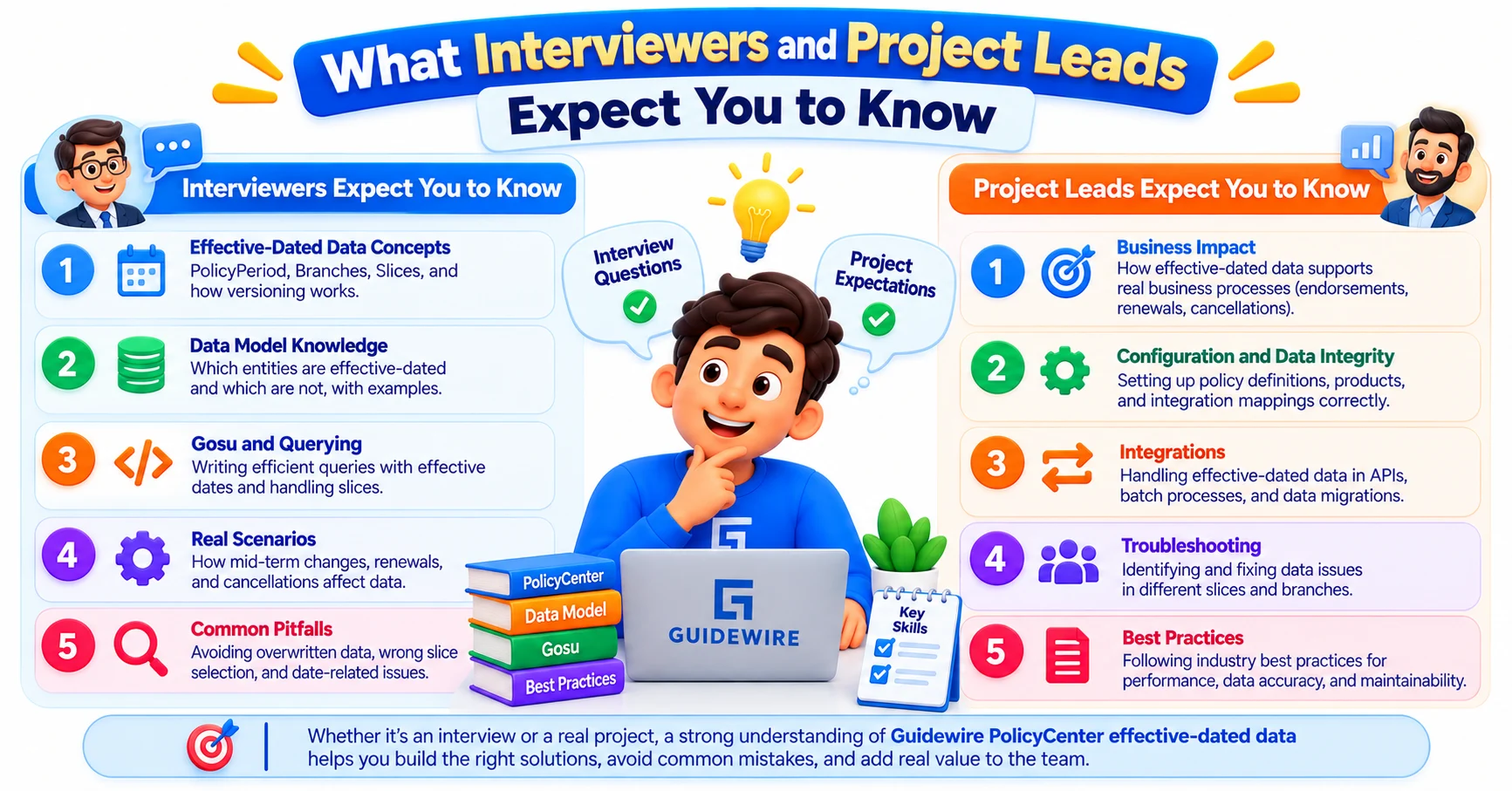
Interviewers rarely ask for a textbook definition. They describe a situation, such as a vehicle added mid-term or a backdated correction, and ask what PolicyCenter does. A strong answer mentions the branch, the edit effective date, the resulting slices, and why history stays intact.
Developers are also expected to explain where a new field should live and why. "It changes during the term, so it needs to be effective-dated" is a good start, and naming the right entity is better. For the coding side of these conversations, this Guidewire Gosu interview preparation guide covers the kind of questions that come up around the data model.
Testers and business analysts benefit too. Knowing that a change has a start date, and that later changes can conflict with it, helps them write sharper scenarios and spot gaps in requirements.
A practical way to build confidence is to take one demo policy and make three changes: a normal mid-term change, a change at the very start of the term, and a backdated one. Then inspect the slices after each. Institutes such as JastTech build this kind of hands-on repetition into their Guidewire courses because the concept only sticks once you have watched the timeline shift.
Conclusion
Guidewire PolicyCenter effective-dated data turns a policy from a single record into a timeline that can be trusted on any date. Once branches, slices, and fixed IDs make sense together, mid-term changes stop feeling unpredictable. The policy has always been about time, and PolicyCenter simply records it faithfully.