

Top 50 Guidewire ClaimCenter Interview Questions and Answers
Navigate through this article using the table of contents below
Table of Contents
No headings found in this article.
Walking into a Guidewire ClaimCenter interview without proper preparation is a bit like showing up to configure a rules engine without checking the data model first — technically possible, but painful. Whether you're a fresher trying to break into insurance tech or an experienced developer switching projects, the questions below cover what actually gets asked in real interviews, from foundational concepts to scenario-based problem solving.
Also our Guidewire course in Pune can help build the foundation for ClaimCenter interviews.
Basic ClaimCenter Concepts
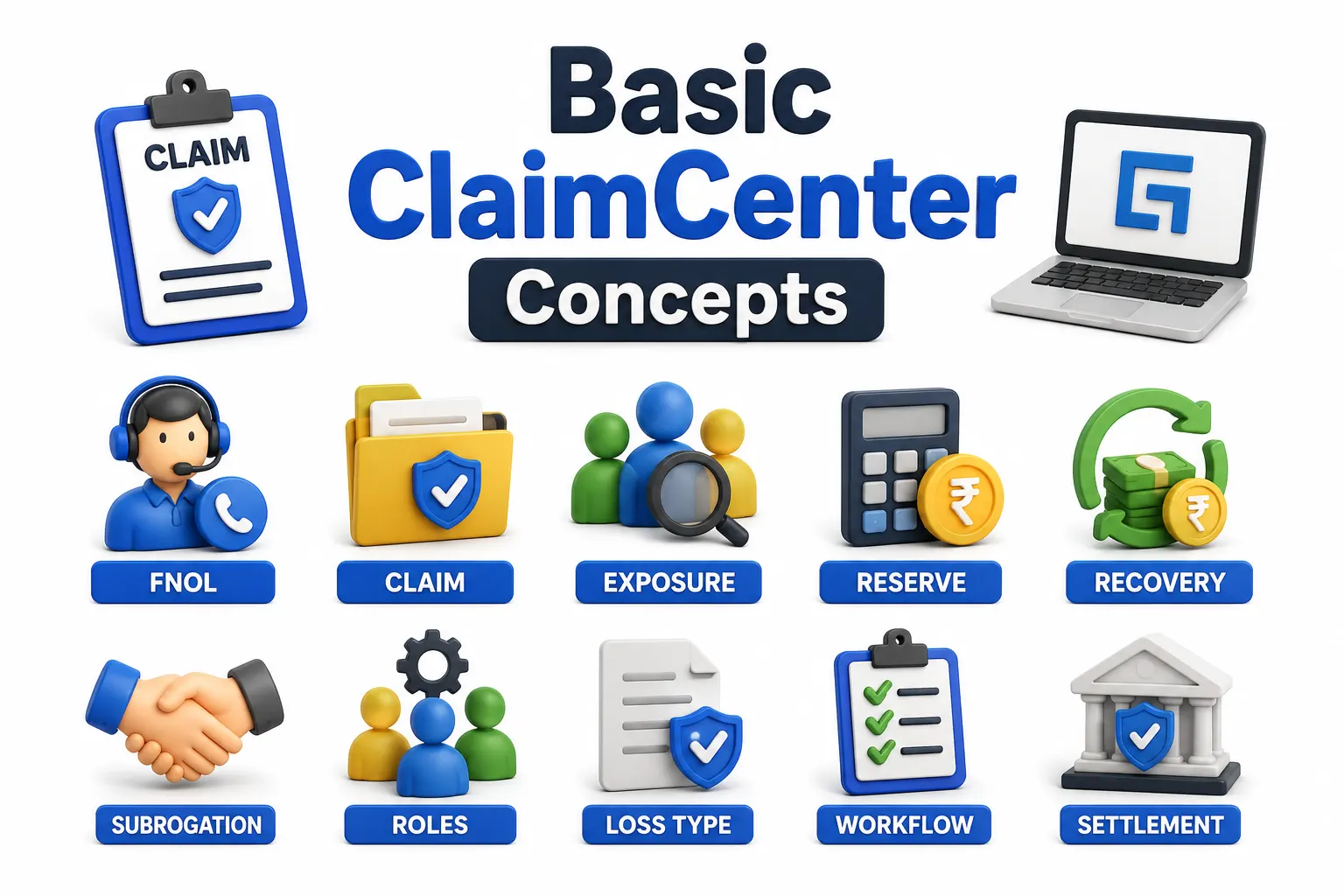
1. What is Guidewire ClaimCenter?
Guidewire ClaimCenter is an insurance claims management system used to handle the complete lifecycle of a claim. It starts with the First Notice of Loss (FNOL) and continues through investigation, evaluation, negotiation, payment, and closure.
In simple terms, ClaimCenter gives insurers one place to manage everything related to a claim. Adjusters can review claim details, work with exposures, create activities, manage reserves, process payments, and track what happens throughout the claim.
In an interview: Don't stop at “ClaimCenter manages claims.” Explain that it supports the end-to-end claims process, from FNOL to final settlement.
2. What are the three main applications in Guidewire InsuranceSuite?
The three main applications are:
PolicyCenter – manages insurance policies and policy-related processes.
BillingCenter – handles billing, invoices, and payments.
ClaimCenter – manages the claims lifecycle.
These applications are designed to work together. For example, when a customer reports a loss, ClaimCenter may need policy and coverage information from PolicyCenter before the claim is processed. Depending on the implementation, the applications can also be deployed independently.
3. What is FNOL in ClaimCenter?
FNOL stands for First Notice of Loss. It is the initial report of an incident that may result in an insurance claim.
When an FNOL is created, ClaimCenter captures important information such as what happened, when and where it happened, who was involved, and other details needed to start processing the claim.
Think of FNOL as the starting point of the claim journey. Once the loss is reported, ClaimCenter can begin activities such as investigation, coverage checks, assignment, and further claim handling.
4. What is an Exposure in Guidewire ClaimCenter?
An exposure represents a specific area of financial liability within a claim. It connects the claim to things such as a particular coverage, claimant, or cause of loss.
For example, imagine a car accident where the vehicle is damaged and the driver also suffers an injury. The same claim could have one exposure for vehicle damage and another for bodily injury.
This is an important ClaimCenter concept because one claim does not necessarily mean one payment. A single claim can contain multiple exposures, each of which can be handled and evaluated separately.
5. What is the difference between a Claim and an Exposure?
The easiest way to remember it is:
Claim = the overall incident
Exposure = a specific financial responsibility within that incident
Suppose a customer gets into an accident. The accident itself is the claim. If the insurer has to cover vehicle damage, bodily injury, and possibly another liability, those can be represented through separate exposures under the same claim.
Understanding this difference is important because ClaimCenter uses exposures to break a claim into manageable pieces for coverage, reserves, payments, and claim handling.
6. What is a Loss Type in ClaimCenter?
A Loss Type describes the nature of the event that caused the claim. Common examples include collision, theft, fire, or liability.
It may look like a simple classification field, but it can influence what happens next in the claim process. Different loss types can lead to different business rules, workflows, activities, or handling requirements.
For an interview, a good way to explain it is: Loss Type helps ClaimCenter understand what kind of loss has occurred so the system can apply the appropriate business logic.
7. What is a Reserve in Guidewire ClaimCenter?
A reserve is an estimated amount of money set aside to cover the expected cost of an exposure.
For example, if an insurer expects a particular bodily injury exposure to cost ₹5 lakh, a reserve may initially be set based on that estimate. As the claim develops and more information becomes available, the reserve can be adjusted.
So, a reserve should not be treated as the final payment amount. It is an estimate of the expected financial liability, and it can change during the life of the claim.
8. What is Recovery in ClaimCenter?
A recovery is money that an insurer receives back after paying or incurring costs on a claim.
This can happen through different sources, such as subrogation, salvage, or deductible reimbursement.
For example, an insurer may pay its customer for a covered loss and later recover some of that money from the party responsible for the damage. That recovered amount becomes part of the claim's financial picture.
In an interview, remember that payments represent money going out, while recoveries represent money coming back to the insurer.
9. What is Subrogation in Guidewire ClaimCenter?
Subrogation is the process through which an insurer attempts to recover claim-related costs from a third party that was responsible for the loss.
For example, suppose another driver causes an accident and your insurer pays for the damage covered under your policy. The insurer may then pursue the responsible party or their insurer to recover some or all of that cost.
Subrogation is therefore closely connected to the recovery process. The insurer has already handled the customer's claim, but it may later try to recover the money from the party responsible for the loss.
10. What roles are typically involved in claim handling within ClaimCenter?
Several roles can participate in the claim lifecycle, depending on the insurer's business process and configuration. Common examples include:
Claim Adjuster: Handles day-to-day claim activities and investigation.
Claim Supervisor: Oversees adjusters and claim handling activities.
Claim Manager: Manages broader claim operations and oversight.
SIU Investigator: Handles claims that require special investigation, such as potential fraud-related cases.
The key point is that ClaimCenter does not treat every user the same. Different roles can have different responsibilities and permissions based on how the organization has configured the system.
You can also read about :- The Future of Guidewire in India Insurance Innovation AI and Cloud Strategy
Architecture and Data Model
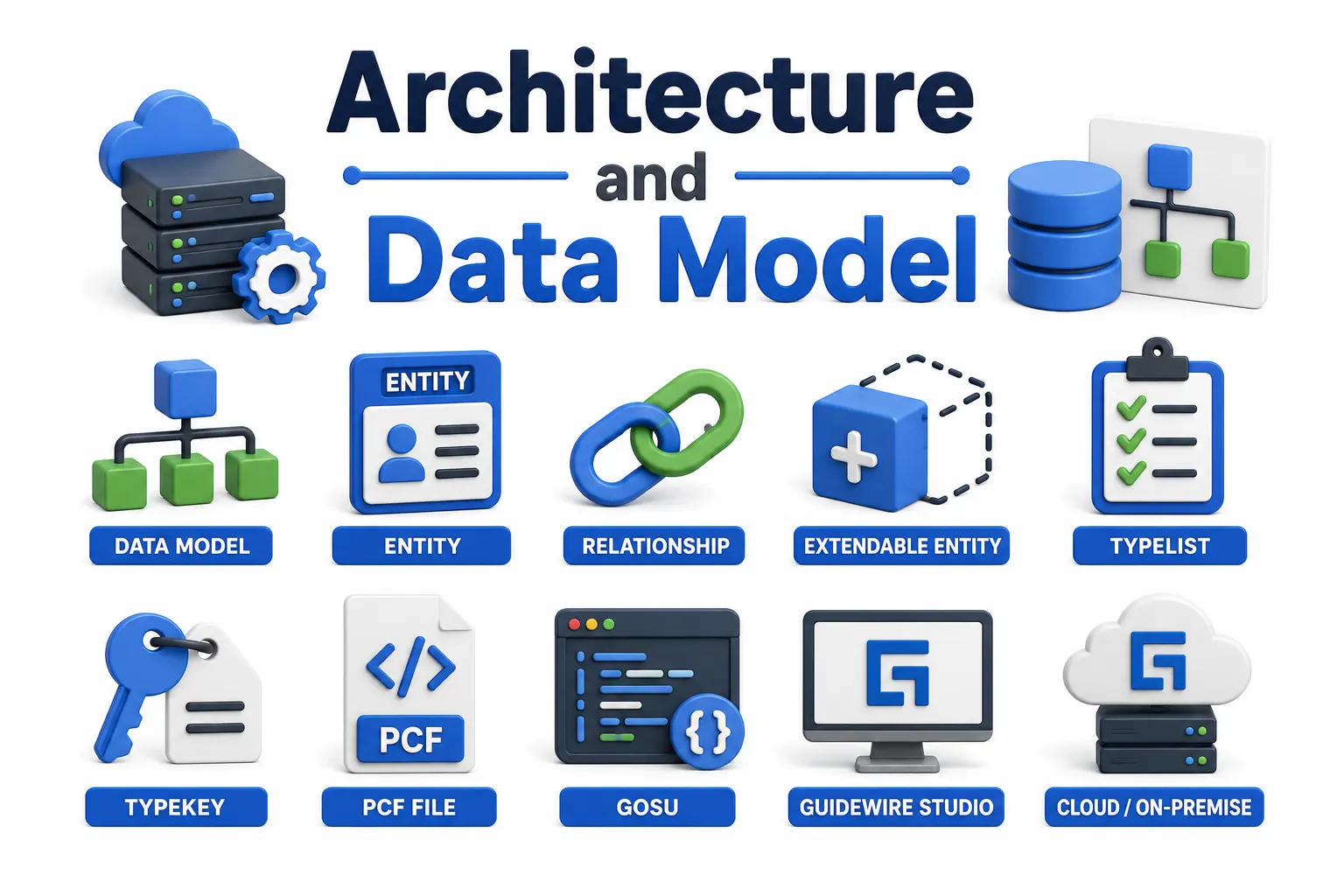
11. What is the Guidewire ClaimCenter data model?
The Guidewire ClaimCenter data model defines how business information is structured, connected, and stored in the application. Instead of treating everything as separate pieces of data, ClaimCenter represents important business objects as entities and defines relationships between them.
For example, a Claim can be connected to exposures, contacts, activities, and policy-related information. This structure makes it easier for ClaimCenter to manage complex claim information while keeping relationships between business objects clear.
In an interview, a strong answer is not just “it is an entity-relationship model.” Explain that the data model represents real insurance concepts as entities and their relationships can be extended through configuration.
12. What is a PCF file in Guidewire?
PCF stands for Page Configuration File. It is used to define the structure and behavior of user interface screens in Guidewire.
A PCF file controls things such as how screen elements are arranged, what components are displayed, and how the UI behaves based on the configuration. For example, if you need to change how claim information is displayed to an adjuster, PCFs are one of the places you would work.
A simple way to remember it is:
Entities deal with business data, while PCFs deal with the user interface.
That distinction is often useful when explaining ClaimCenter architecture during an interview.
13. What is Gosu, and why is it used in Guidewire?
Gosu is a statically typed programming language used in Guidewire application development. It is closely integrated with the Guidewire platform, which makes it useful for implementing business logic and working with the platform's data model.
One of its advantages is that developers can work with Guidewire entities and business logic without having to build everything from scratch in a general-purpose language.
For example, a developer might use Gosu when implementing business rules or other application logic that needs to work directly with ClaimCenter's configuration and data model.
In an interview, avoid saying only that “Gosu is Guidewire's language.” Explain why it matters: it is tightly integrated with the platform and is designed for Guidewire business application development.
14. How is Gosu different from Java?
Gosu and Java both run on the JVM, so they can work together, and Gosu can use Java libraries. The main difference is that Gosu was designed with Guidewire application development in mind.
Gosu provides features such as enhancements and syntax that can make business application development more convenient within Guidewire. It also works closely with the Guidewire entity model.
So, in practical terms, Java is a general-purpose programming language, while Gosu is much more closely connected to the Guidewire platform and its configuration model.
A good interview answer should also make one thing clear: Gosu does not replace Java in every situation. Guidewire implementations can use both depending on what the requirement calls for.
15. What is an Entity in the Guidewire data model?
An entity represents a business object used by the Guidewire application.
Think about real objects involved in insurance: Claim, Contact, Policy, Exposure, and so on. These concepts are represented in the application through entities, which can have fields and relationships with other entities.
For example, a Claim can have multiple related exposures, while contacts can be associated with the claim in different roles.
Understanding entities is important because many ClaimCenter development tasks eventually come back to the data model—whether you're writing Gosu, querying data, configuring fields, or building business logic around those objects.
16. What is a Typelist in Guidewire?
A Typelist is a predefined set of values used when a field should accept a controlled list of options.
For example, instead of allowing users to enter any text for a claim status, the application can use predefined values such as Open, Closed, or other configured statuses.
This is useful because it keeps data consistent across the application. Developers and business users can work with known values instead of dealing with free-form text that might be entered differently by different users.
The important point is that a Typelist is more than just a dropdown on the screen. It represents a defined set of business values that can be used throughout the application.
17. What is the difference between a Typelist and a Typekey?
This is one of those Guidewire questions that sounds simple but can catch people who have only worked with the UI.
A Typelist defines the set of possible values.
A Typekey is the field data type used to reference a value from that Typelist.
Think of it this way:
Typelist = the list of allowed values
Typekey = the field that uses that list
For example, a Typelist might define different claim statuses, while a field on an entity can use a Typekey to store one of those statuses.
That distinction becomes important when you're working with the ClaimCenter data model and configuration.
18. What is an Extendable Entity in Guidewire?
An Extendable Entity is a Guidewire-provided entity that can be extended with additional fields or behavior through configuration.
This is important because insurers often have business requirements that are specific to their organization. They may need information that isn't part of the standard product configuration.
Instead of directly modifying the core product, an implementation can extend supported entities to add the required customization.
The bigger idea here is upgrade safety. Keeping custom changes separate from the core product makes future upgrades easier to manage and reduces the risk of breaking standard functionality.
19. What is Guidewire Studio?
Guidewire Studio is the development and configuration environment used for working with Guidewire applications.
Developers use Studio for tasks such as working with Gosu code, PCFs, business rules, entities, and other configuration elements.
For someone new to Guidewire, it helps to think of Studio as the main workspace where much of the configuration and development work comes together.
In an interview, don't describe Studio simply as an “IDE.” A better answer is that it provides the tools developers need to configure and extend Guidewire applications, including working with the data model, UI configuration, and business logic.
20. What is Guidewire Cloud, and how is it different from an on-premise deployment?
Guidewire Cloud is the SaaS-based version of Guidewire InsuranceSuite, where the platform is hosted and managed as a cloud service. An on-premise implementation, on the other hand, requires the organization to manage its own infrastructure and deployment environment.
The difference is not just where the application runs. It also affects areas such as upgrades, infrastructure management, maintenance, and deployment responsibilities.
Configuration and Customization
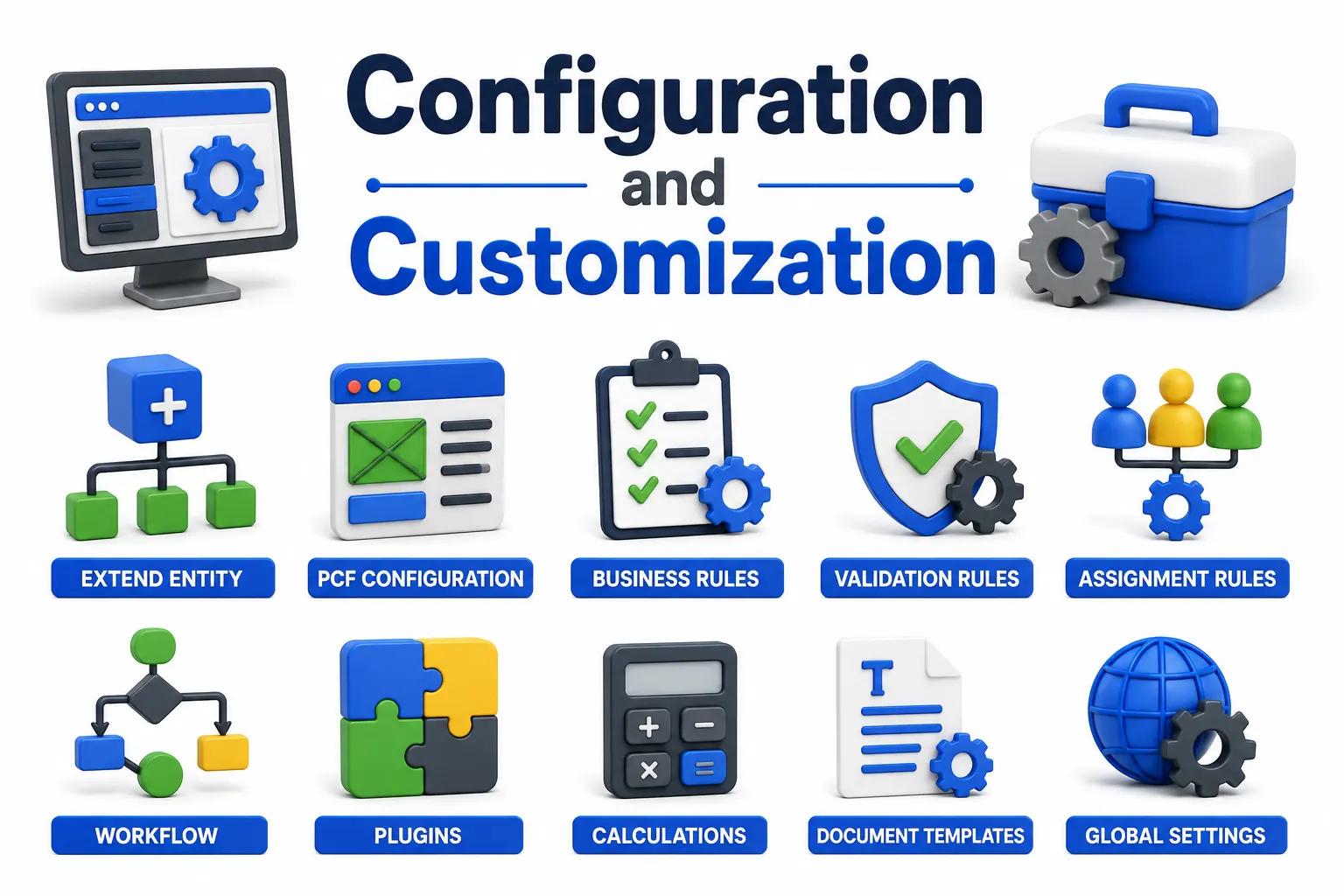
21. How do you add a custom field to an existing entity in ClaimCenter? By extending the entity through configuration — adding the field definition in the appropriate config file, then updating the relevant PCF to display it on the UI.
22. What is a Rule Set in ClaimCenter? A rule set groups related business rules — such as validation rules, assignment rules, or segmentation rules — that get evaluated at specific points in the claim lifecycle.
23. What is Segmentation in ClaimCenter? Segmentation automatically assigns claims to specific teams or handling paths based on defined criteria, like claim complexity or loss type, streamlining how work gets distributed.
24. What is an Activity in ClaimCenter? An activity is a task assigned to a user or queue — like "Contact policyholder" or "Review medical records" — that helps track and manage the adjuster's workload.
25. What is a Queue in ClaimCenter? A queue is a holding area for activities or work items that haven't been assigned to a specific individual yet, often used for load balancing across a team.
26. What are Business Rules in ClaimCenter, and how are they implemented? Business rules govern automated decision-making within the platform — validation, assignment, and financial calculations, for example — typically implemented through Gosu rules or the Rules Engine framework depending on the rule type.
27. What is the Rules Engine in ClaimCenter? It's the framework that evaluates configured business rules against claim data at defined trigger points, automating decisions like reserve recommendations or activity assignment without manual intervention.
28. How do you customize the claim workflow in ClaimCenter? Workflow customization typically involves configuring the claim's lifecycle states, defining transition rules between them, and hooking in business rules or plugins at each transition point.
29. What is a Plugin in Guidewire? A plugin is a Java-based extension point that lets developers implement custom logic outside of Gosu — often used for complex integrations or logic that benefits from full Java library access.
30. What is the difference between Gosu Rules and Java Plugins? Gosu rules are quicker to configure and tightly integrated with the platform, suited for most business logic. Java plugins are used when you need more complex processing, external library support, or performance-critical operations.
Integration
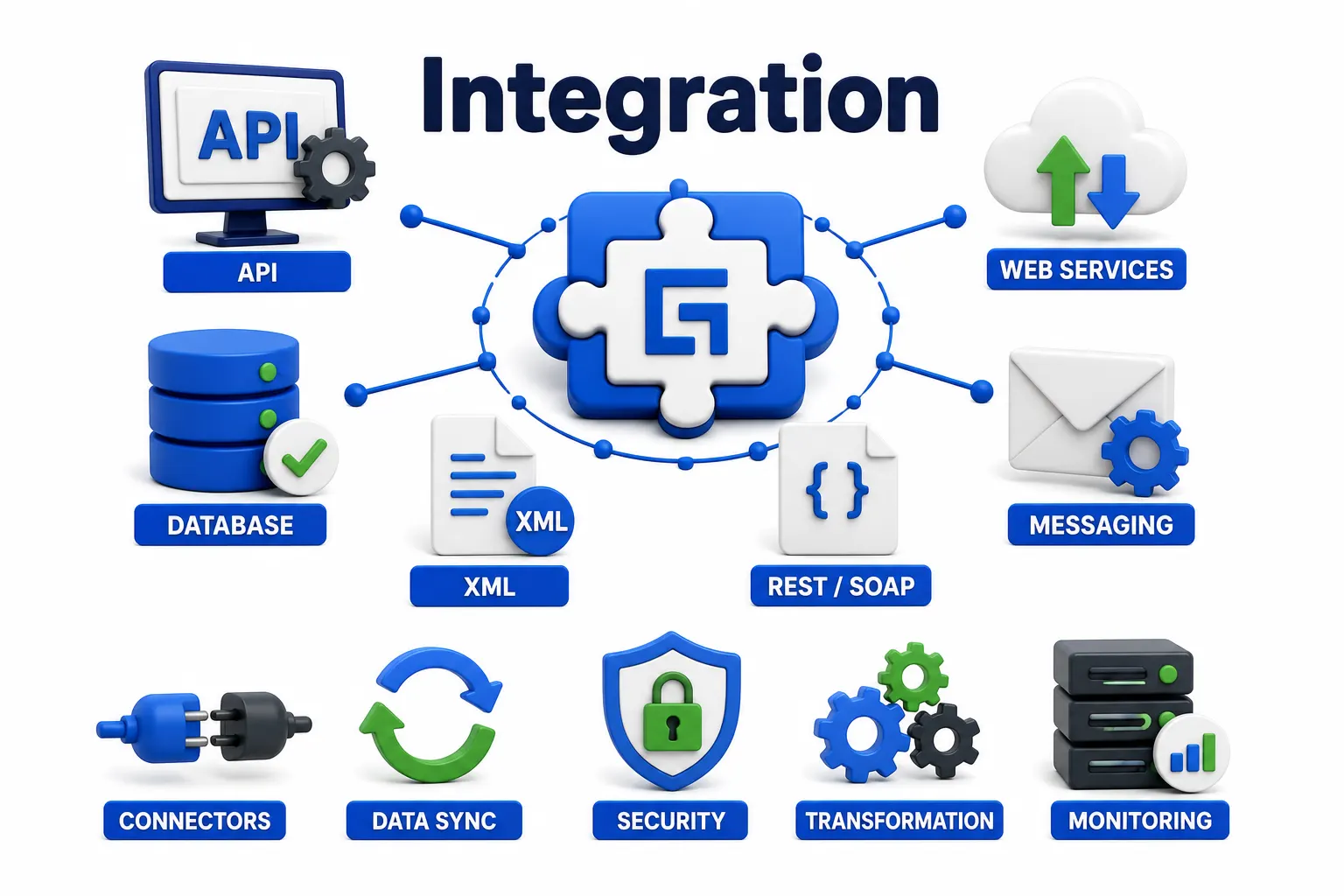
31. How does ClaimCenter integrate with external systems? Through several mechanisms — web services (SOAP/REST), messaging (using Guidewire's Message and Event system), batch processes, and plugins — depending on the nature and urgency of the integration.
32. What is the Guidewire Messaging system used for? It's used to send outbound notifications about events happening in ClaimCenter — like a claim being created or a payment issued — to external systems in near real-time.
33. What is the difference between a Message and an Event in Guidewire? An event is an internal notification that something happened in the system; a message is what gets constructed and sent out based on that event, often to an external queue or endpoint.
34. How does ClaimCenter typically integrate with PolicyCenter? Through pre-built integration points that allow ClaimCenter to pull policy and coverage data in real time when a claim is created, ensuring accurate coverage verification.
35. What is an ExtractHelper used for in Guidewire? It's used in batch/message-based integrations to pull and format data before sending it to an external system, especially useful for structuring complex nested data.
36. What is a Web Service API in Guidewire, and where is it used? It's an interface exposing ClaimCenter functionality to external applications, commonly used for FNOL intake from external portals or third-party claim reporting tools.
Testing, Deployment, and Performance
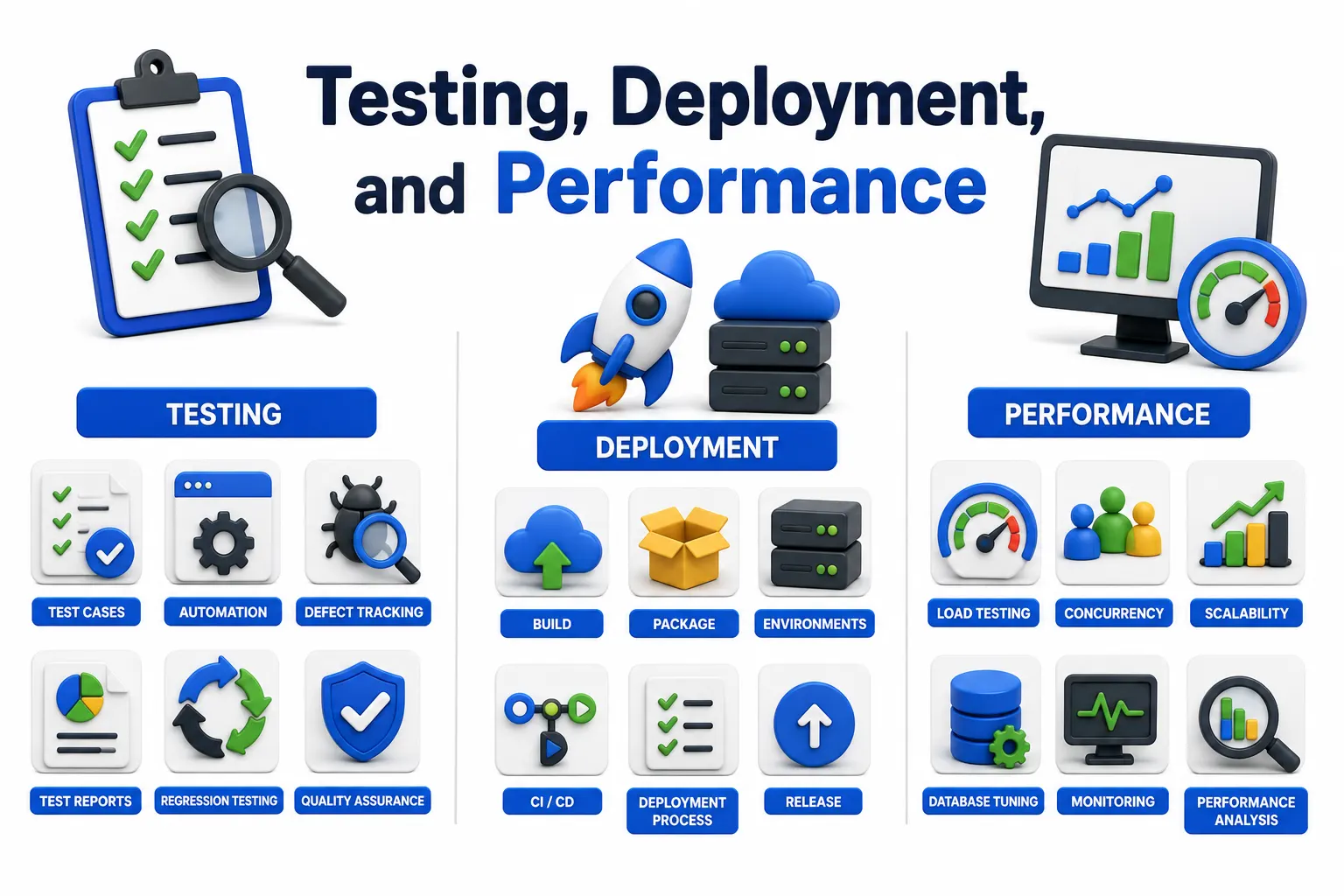
37. How is testing typically approached in Guidewire implementations? Through a mix of unit testing (using Gosu test classes), integration testing for external connections, and UI-level regression testing, often supported by automated testing tools alongside manual QA.
38. What is Gunit in Guidewire? It's Guidewire's built-in unit testing framework for Gosu code, allowing developers to write and run automated tests against business logic before deployment.
39. What are common causes of performance issues in ClaimCenter? Poorly optimized Gosu queries, unindexed custom fields used in searches, overly complex PCF logic, and inefficient batch processes are frequent culprits.
40. How do you deploy configuration changes in ClaimCenter? Changes are typically packaged and deployed through Guidewire's build and deployment tools, moving from development to QA to production environments following a structured release process.
41. What is the purpose of the Product Model in ClaimCenter? It defines how coverages, exposures, and loss types relate to each other for a specific insurance product line, driving how claims get evaluated and reserved.
Real-World and Scenario-Based Questions
42. How would you handle a situation where a claim needs to be split across multiple coverages? You'd typically create multiple exposures under the same claim, each tied to its specific coverage, and configure reserves and payments independently for each.
43. A client wants automatic activity assignment based on claim severity. How would you approach this? Configure a segmentation or assignment rule that evaluates severity criteria (like estimated reserve amount or loss type) at claim creation, then routes the activity to the appropriate queue or team automatically.
44. How would you troubleshoot a failing integration message? Check the message queue status in ClaimCenter first, review error logs for the specific message, verify the external endpoint's availability, and confirm the message payload matches the expected schema.
45. How would you explain the claim lifecycle to a non-technical stakeholder? Walk them through it in plain terms: a claim opens at FNOL, gets investigated and evaluated, reserves get set, payments happen if approved, and the claim eventually closes — with activities and rules guiding the adjuster at each stage.
46. What would you do if a business rule isn't firing as expected? Verify the rule's trigger conditions and execution order, check for conflicting rules in the same rule set, and review logs to confirm whether the rule is even being evaluated at that point in the workflow.
47. How do you handle upgrades without breaking custom configuration? By following Guidewire's recommended practice of extending base functionality rather than modifying core files directly, which keeps custom configuration isolated and upgrade-safe.
48. What's the difference between a Configuration-based customization and a Code-based one? Configuration changes (PCFs, rule sets, typelists) require no compilation and are generally lower-risk; code-based changes (Gosu classes, plugins) offer more flexibility but need more rigorous testing.
49. How would you approach documenting a custom configuration for future developers? Maintain clear inline comments in Gosu code, document business rule logic and its triggers separately, and keep a changelog tied to each release for traceability.
50. Why do companies specifically hire certified Guidewire ClaimCenter professionals over generalist developers? Because the platform's proprietary language, data model, and configuration patterns don't transfer from general software experience — certified professionals reduce onboarding time and configuration errors significantly compared to someone learning the platform from scratch.
Conclusion
These fifty questions cover the ground most Guidewire ClaimCenter interviews actually walk through — concepts, configuration, integration, and real scenario handling. Knowing the answers is a start; being able to explain the reasoning behind each one is what actually gets you hired.