



UGNX (NX-CAD/CAM) Certification Training — practical, industry-aligned course to master NX 3D modeling, assemblies, surfacing, drafting, plus CAM toolpaths, simulation and postprocessing.
Level
Advanced
Duration
8 weeks
Our Alumni Work At










Jast Tech’s UGNX (NX-CAD CAM) Certification Training delivers end-to-end, hands-on instruction in Siemens NX for design and manufacturing professionals. The program begins with robust fundamentals—sketcher, parametric and synchronous solid modeling, surface modeling, sheet-metal and assembly techniques—then advances to drafting, PMI and industry drawing standards. On the manufacturing side students learn NX CAM workflows: feature-based machining, 2- to 5-axis milling, turning and mill-turn programming, high-speed/roughing strategies, toolpath optimization, machining simulation and validated postprocessing to produce production-ready NC code. Emphasis is placed on CAD–CAM associativity, model preparation for machining, tooling and feeds/speeds selection, and common shopfloor constraints. Learning uses instructor demonstrations, graded labs and three capstone projects that mirror real industrial tasks so graduates can confidently prepare parts, simulate machining, and deliver NC programs for manufacture. Completion certifies practical competence in NX workflows and prepares learners for roles such as CAM programmer, CNC applications engineer, tooling designer or product development engineer.
- Solutions Architect
- Technical Consultant
- Implementation Specialist
- System Administrator
- IT Professional
UGNX (NX-CAD CAM) Certification Training Curriculum
Introduction & Installation, UI, Preferences
Orientation to Siemens NX environment, licensing options (including Student Edition), workspace customization and file management.
Sketching & 2D Profile Creation
Core sketcher skills used across part modeling; constraints, dimensions and best practices to capture design intent.
Part Modeling — Solids & Parametrics
Building robust parametric parts using extrude/revolve/boolean operations and managing parameters/expressions for design changes.
Synchronous Modeling & Direct Editing
When to use synchronous modeling for rapid edits and repair of imported geometry; hybrid workflows with parametric features.
Advanced Surfacing & Freeform Modeling
Surface creation and manipulation for product styling and complex shapes used in tooling, automotive and consumer products.
Related Courses
Training Roadmap
Seven intentional milestones — from first session to dream job.
Onboarding
- Meet your industry mentor
- Define your goals
- Skill gap assessment
Core Learning
- Live interactive classes
- AI-curated content
- Recorded sessions
Hands-on Practice
- Weekly assignments
- MCQ evaluations
- Module quizzes
Real Projects
- 3 live industry projects
- Portfolio building
- Case studies
Mentorship
- 1:1 doubt sessions
- Peer collaboration
- Expert feedback
Certification
- Exam preparation
- Practice dumps
- Industry-recognised certificate
Career Launch
- Resume crafting
- Mock interviews
- Job placement support
Key Projects
Available Course Schedules
Select a schedule that works best for you
Starts
10 Oct 2026
Time
09:30 AM – 12:30 PM
Duration
8 weeks
Starts
12 Oct 2026
Time
07:00 AM – 09:00 AM
Duration
8 weeks
Starts
17 Oct 2026
Time
02:00 PM – 05:00 PM
Duration
8 weeks
Starts
19 Oct 2026
Time
08:00 PM – 10:00 PM
Duration
8 weeks
Need a custom schedule?
Our team will craft the perfect batch for you.
What Our Happy Students Say
Real Feedback from our candidates
What We Offer Beyond Courses
24/7 Support
Round-the-clock assistance
LinkedIn Profile
Professional profile building
Resume Writing
Expert resume crafting
Alumni Guidance
Mentorship from graduates
Interview Prep
Mock interviews & tips
Live Projects
Real-world experience

Tejas Kumar
Guidewire Developer • Cognizant
"The practical hands-on scenarios and real-world project assignments made all the difference. I was able to clear the technical interviews on my first attempt."
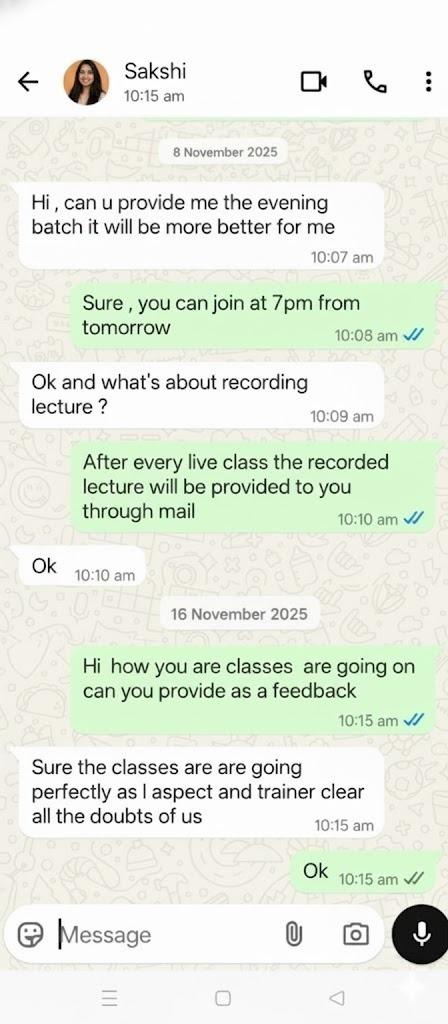
Sakshi Singh
PolicyCenter Specialist • Deloitte
"Excellent mentors with deep industry domain knowledge. The LMS access and 24/7 doubt resolution gave me the confidence to transition into a high-paying role."

Sanjay Patel
ClaimCenter Consultant • PwC India
"This course completely transformed my career trajectory! From resume review to mock interviews, the placement team supported me every step of the way."
Specialized Training Programs
JastTech For Corporates
JastTech Courses
Why JastTech is the Best Training Institute?
See how we stand out from the competition
Well-structured, up-to-date curriculum designed by industry experts to build strong fundamentals and advanced knowledge.
Outdated or incomplete curriculum that may not cover current industry needs.
Extensive practical sessions, live demos, and hands-on exercises to ensure real learning.
Limited practical exposure with theory-heavy teaching approach.
Learn from certified professionals with years of industry experience and teaching expertise.
Instructors with limited industry experience or practical knowledge.
Work on real-world projects that enhance problem-solving skills and build a strong portfolio.
Lack of real-world projects or unrealistic practice examples.
Regular assignments, quizzes, and assessments to track progress and strengthen concepts.
Irregular assessments or no proper evaluation of learning.
Resume building, interview preparation, and placement assistance to boost your career.
Limited or no career support and placement assistance.
24/7 doubt resolution and personalized guidance from instructors whenever you need it.
Slow doubt resolution or limited support availability.
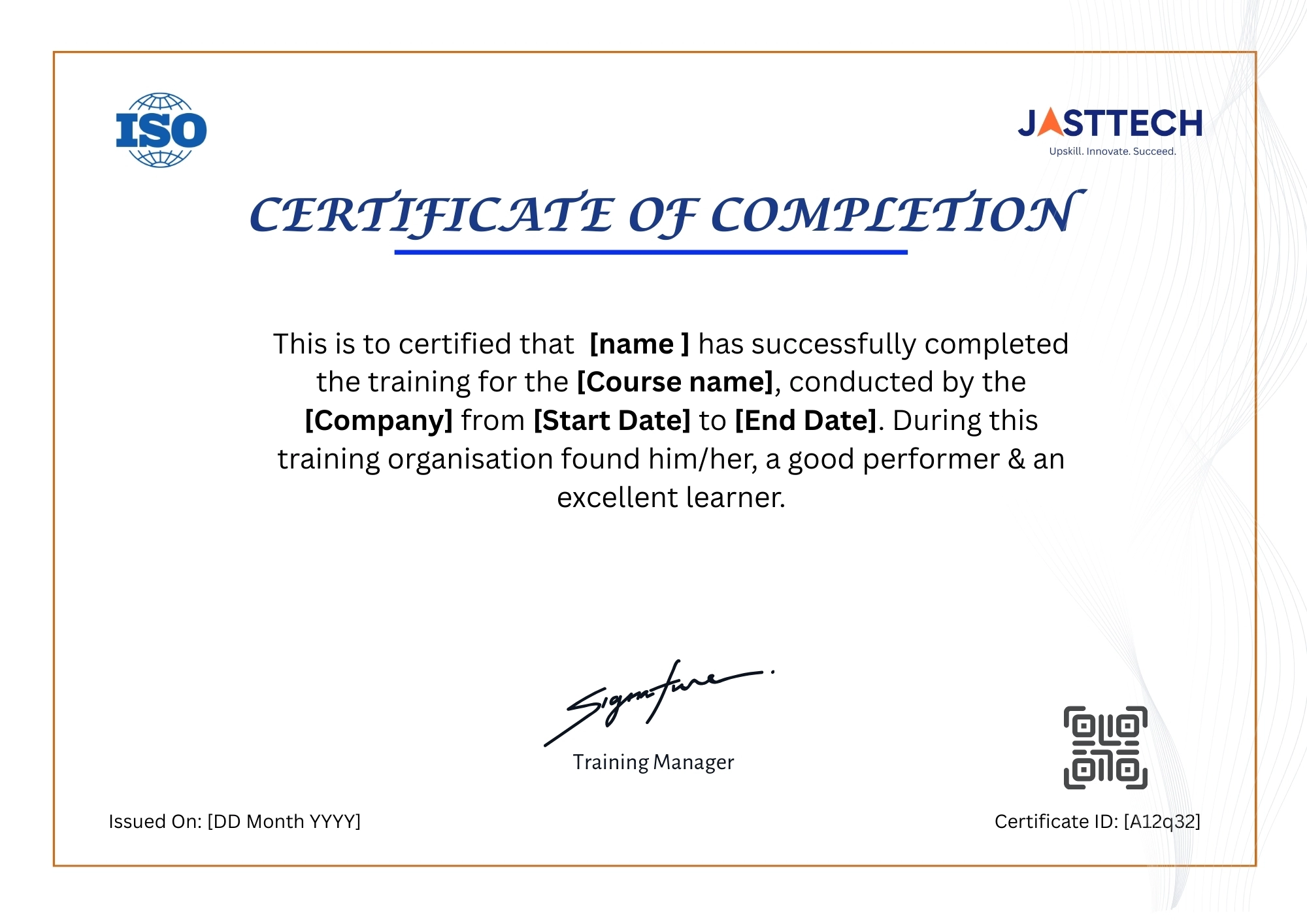
Industry-recognized certificate that validates your skills and enhances your career opportunities.
Certificates with little industry value or recognition.
Lifetime access to course content, recordings, and resources even after completing the course.
Limited access duration with extra charges for resources.
High-quality training at affordable prices with no hidden costs and flexible payment options.
High course fees with hidden charges and no flexibility.
Certification Details
UGNX (NX-CAD CAM) Certification Training – Associate
- Exam Name
UGNX (NX-CAD CAM) Certification Training – Associate
- Duration
130 minutes
- Format
Multiple Choice & Multi-Response
- Passing Score
720 (Scale: 100–1000)
- Level
Associate
Prepare
Top Interview Questions
Curated questions with expert answers to help you ace your next interview.
Q: How do you decide between ordered (feature-based) modeling and synchronous modeling in NX?
Choose ordered modeling when you require robust, history-driven parametrics and controlled feature trees; choose synchronous for fast shape edits, imported geometry repair, and when flexibility is needed for late changes. Hybrid approaches combine both where appropriate.
Q: Explain how you prepare a part model for CAM to avoid machining problems.
Ensure watertight solid geometry, remove unnecessary small features, add manufacturing fillets where needed, define datum planes and fixtures, assign material and tolerances, and simplify surfaces that impede stable tool engagement.
Q: What are the benefits of feature-based machining?
Feature-based machining automates toolpath creation by recognizing pockets, holes and faces, reducing programming time, improving consistency and easing changes when the design evolves.
Q: How do you validate a postprocessed NC program before sending it to the machine?
Run integrated machining simulation to detect collisions and gouges, verify axis limits and tool lengths, compare program against expected toolpaths, and use verified postprocessors tuned to the target machine controller.
Q: Describe a strategy to minimize cycle time without sacrificing part quality.
Use optimized roughing strategies (trochoidal or high-efficiency roughing), select appropriate stepovers and axial depths, choose cutters and coatings for higher metal removal rates, and apply adaptive feeds/speeds while preserving finish passes for critical surfaces.
Support
Frequently Asked FAQs
Can't find what you're looking for? Reach out to our support team anytime.
Q: Which NX version is required for the course?
The course uses the current stable NX release; learners may use the Siemens NX Student Edition for labs and exercises when available. Specific version and install instructions are provided at course start.
Q: Do I need prior CAD/CAM experience?
No—beginners are supported from fundamentals. However, learners with prior CAD or machining basics progress faster through advanced CAM modules.
Q: What software license is needed for commercial use?
Commercial work requires a paid Siemens NX license; the Student Edition is for learning only. Consult Siemens for license types (node-locked, floating, cloud options).
Q: How are students assessed?
Assessments include timed practical labs, a series of graded assignments, and three capstone projects that require CAD modeling, CAM programming and simulation.
Q: Which career roles does this course prepare me for?
Typical roles include CAM programmer, CNC applications engineer, tooling/fixture designer, and product development CAD engineer—particularly in automotive, aerospace, and tooling industries.
The support team was very cooperative and responsive. They made sure all doubts were cleared without delay. Great experience overall.
I had a great experience with the RF Circuit Design course. Thanks to the teaching staff for such a well planned and structured curriculum it really helped me clear my technical certification for my job.
I enrolled in the Post-Silicon Validation Certification Training at JastTech and found it quite different from typical courses. They focus on debugging techniques and real chip-level scenarios, which gave me a better idea of how things work.
One thing I really liked about the Data Analyst course at JastTech is their focus on consistency. Regular sessions and tasks help you stay on track and build a daily learning habit. Also, they provide recordings after live sessions, which help in revision.
I joined JastTech for the DFT course a few months back. At first, I wasn’t sure what to expect, but the classes turned out to be really helpful. The teaching is simple and not too complicated, which helped me keep up.
Take the Next Step in Your Career
Join thousands of learners who have upgraded their skills with our industry-focused training programs. Our experts are here to guide you every step of the way.
We're Here to Help –
Reach Our Global Offices
Hyderabad
JastTech
Training & Development Center
91 Springboard Business Hub ,Madhapur LVS Arcade, 71, Jubilee Enclave, HITEC City, Hyderabad,India Telangana 500081
Pune
JastTech
Training & Development Center
Sr. No. 30/2/1, 3rd Floor, Above Rajrshi Shahu Bank & BOB Balaji Nagar, Dhankawadi, Katraj, Pune, Maharashtra 411043
Noida
JastTech
Training & Development Center
B 8, B Block, Sector 2, Noida, Metro Station Rd, near sector 15 Metro, Uttar Pradesh 201301
Hyderabad
JastTech
Training & Development Center
91 Springboard Business Hub ,Madhapur LVS Arcade, 71, Jubilee Enclave, HITEC City, Hyderabad,India Telangana 500081
Pune
JastTech
Training & Development Center
Sr. No. 30/2/1, 3rd Floor, Above Rajrshi Shahu Bank & BOB Balaji Nagar, Dhankawadi, Katraj, Pune, Maharashtra 411043
Noida
JastTech
Training & Development Center
B 8, B Block, Sector 2, Noida, Metro Station Rd, near sector 15 Metro, Uttar Pradesh 201301
Can't find a JastTech location near you? Contact us for more information.